
ProCamera 27 · iPhone 18 Pro
Point and shoot. Or set every value.
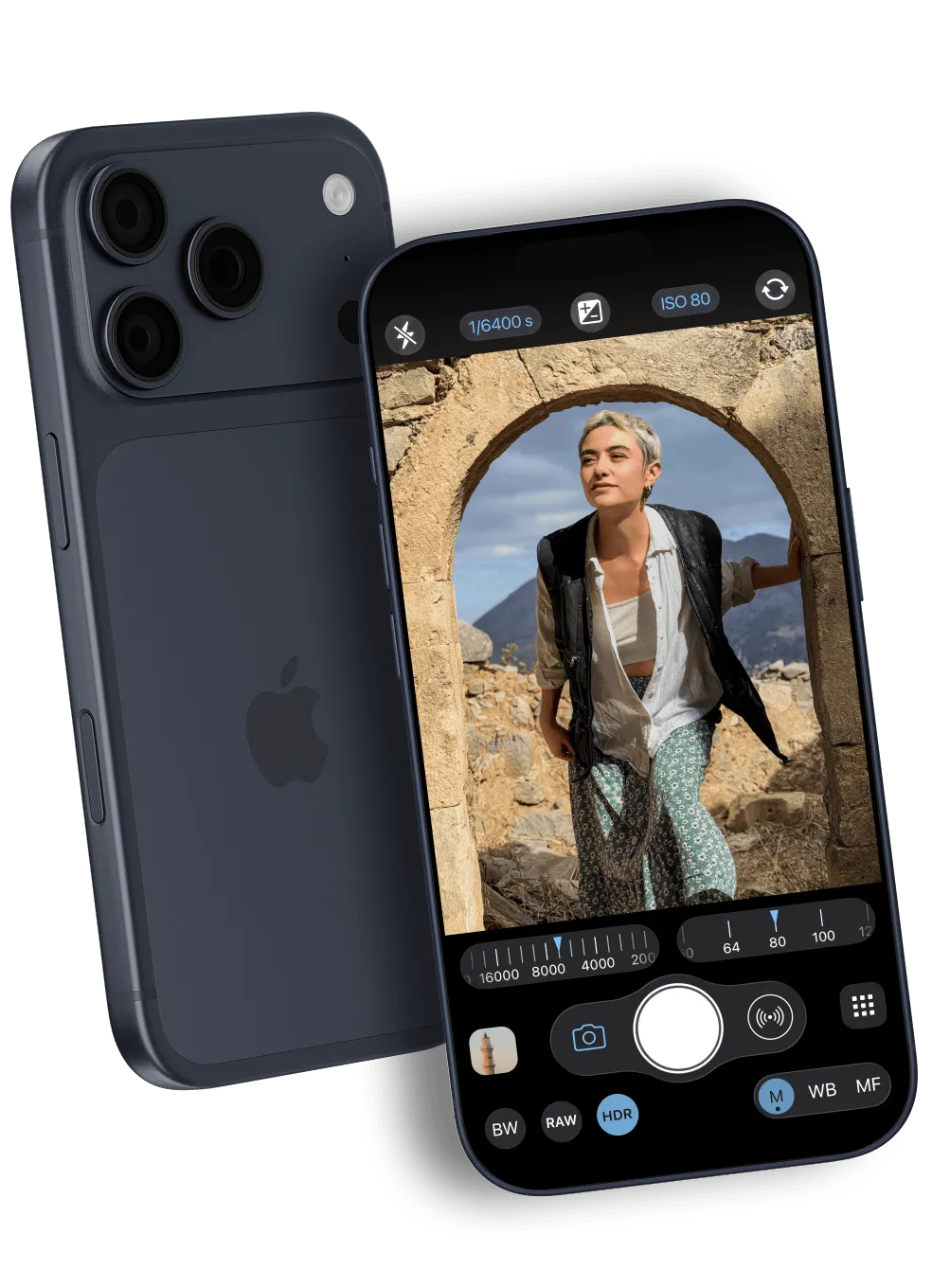
The camera app that is quick enough for the street and deep enough for the tripod—RAW, ProRAW and pro video, with real dials for shutter, ISO, focus, white balance and aperture. On iPhone since 2009.
- Aperture
- ƒ/1.8
- Shutter
- 1/6400s
- ISO
- 80
- Format
- 48MPProRAW
Apple Editors’ Choice · App of the Day
Featured in: National Geographic · Forbes · The New York Times · Wired · Macworld
“The high-end crowd swears by it.”
The New York Times, 2011 “Stop fixing your photos in post. Use ProCamera’s huge set of manual controls”
Wired, 2015 “chock full of geek-worthy details and functionality”
Forbes, 2013 “a well-conceived, high-quality app that would be well worth buying at twice the price”
DPReview, 2012
Still photography
Easy by default. Deep when you want it.
Tap once for a great photo, with no settings to worry about. When you want more, ProCamera gives you direct control over shutter speed, ISO and more. Choose how much processing you want, all the way from unprocessed to Deep Fusion or shoot in RAW or ProRAW: the capture decides what the edit can do.
- Auto, with separate focus and exposure points you set right in the viewfinder
- Semi-automatic and full manual, plus exposure bracketing at constant ISO
- Presets: save shutter speed, ISO, white balance and focus, and recall them in one tap
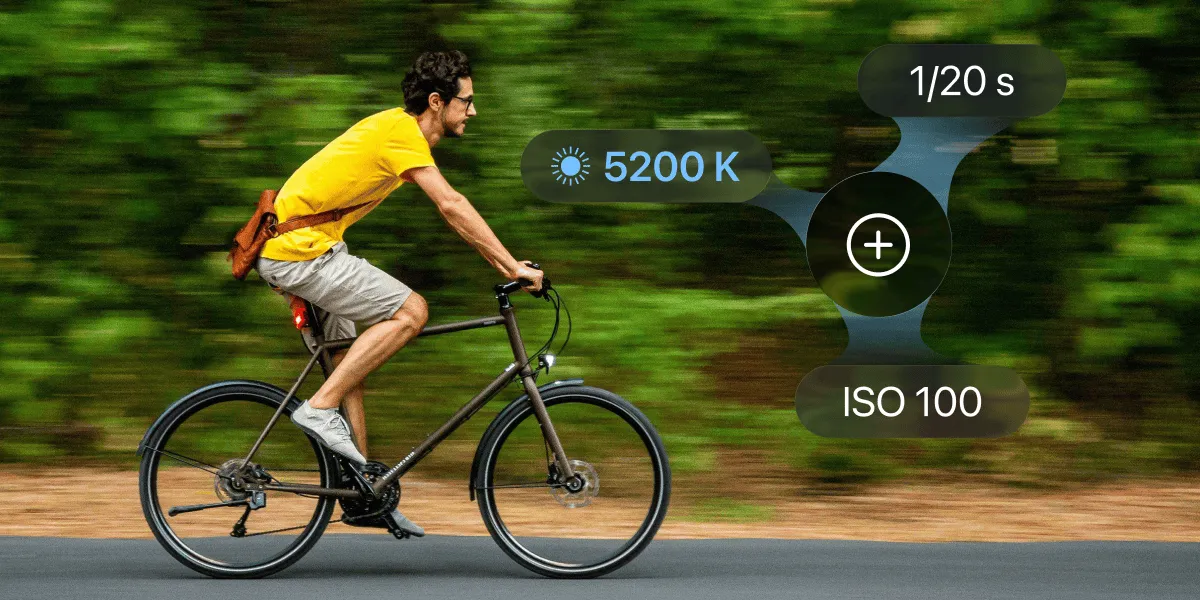
- 48MPProRAW, RAW, HEIF · in M and SI modes
- 1/64000sshutter, by hand or auto
- ƒ/1.48–ƒ/4variable aperture, iPhone 18 Pro
- ISO 16lowest sensitivity, ultra-wide
Perspective correction
Straight lines, before you press the shutter.
You see the corrected image live while you frame. Verticals stay vertical, and the crop is visible before you shoot—for buildings, interiors, documents, products, street scenes, any frame that needs precise lines.
- Corrected live preview: the frame you compose is the photo you get
- Automatic from the iPhone’s motion sensors; no sliders, no guessing the crop
- Fine-tune afterwards in the Studio, non-destructively
- Works on photos you took earlier too, including ones from the iPhone camera
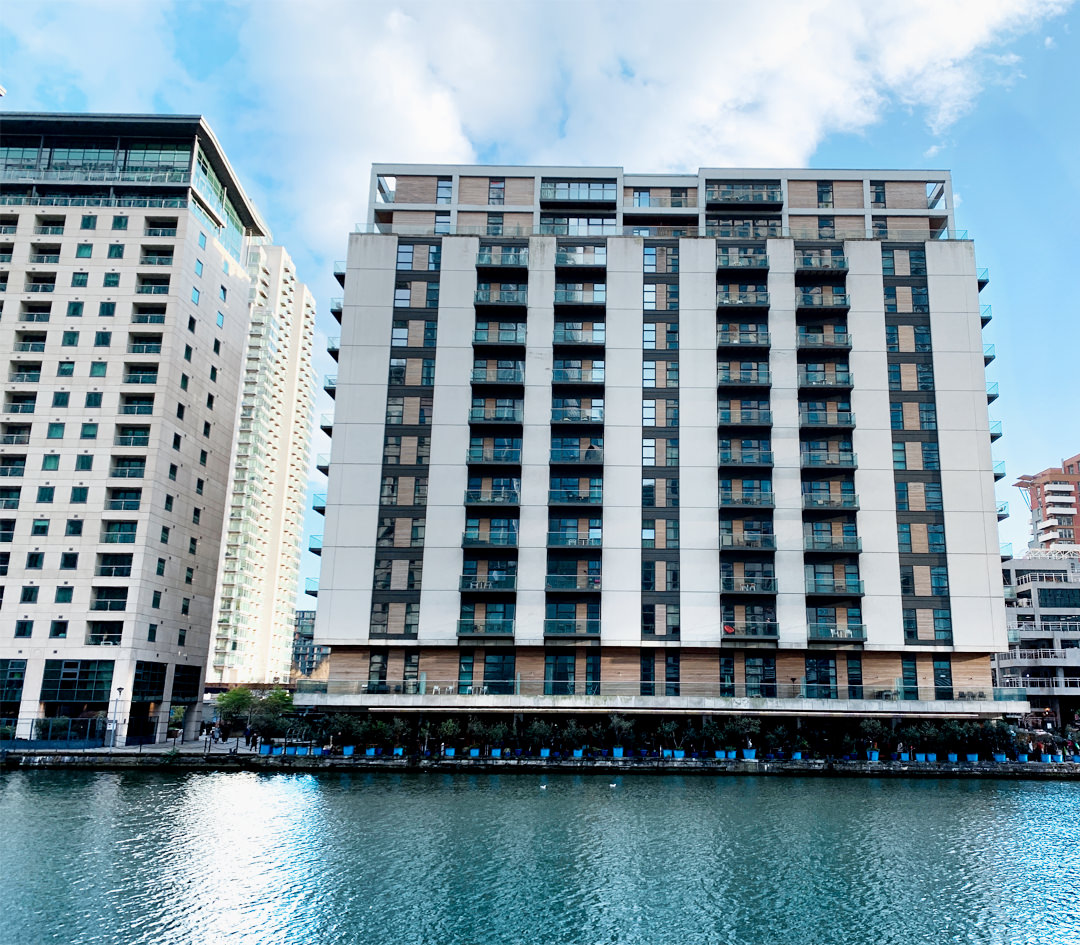 Without correction
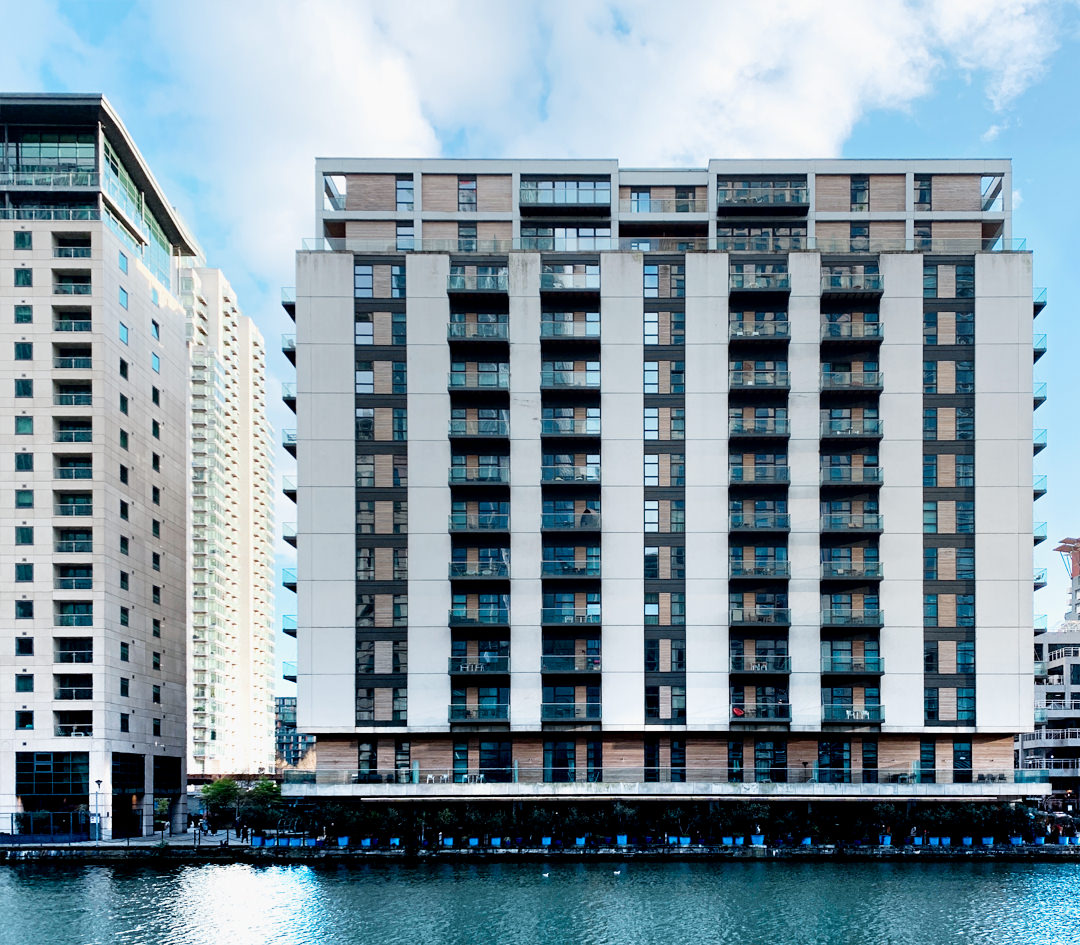 With correction
Drag to compare: the same facade without and with perspective correction.
Editing
The edit starts in the viewfinder.
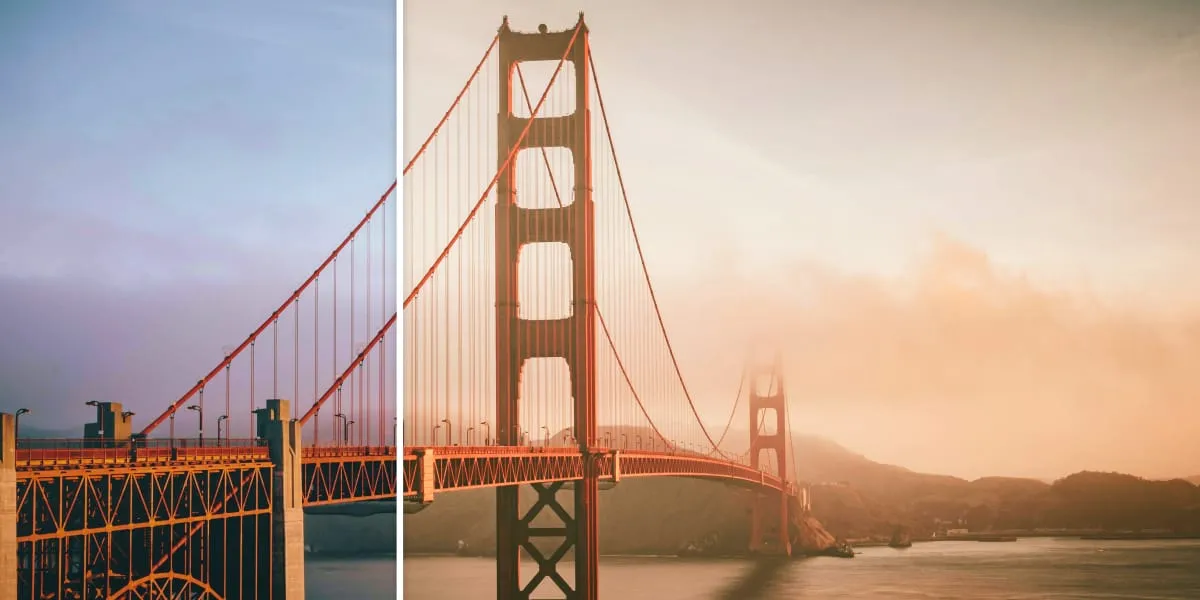
Aspect ratio, perspective, portrait depth: what you set at capture is stored as an edit, not burned in. The full 4:3 sensor image stays underneath, so every change can be adjusted, undone or removed later—in the same app, on the same photo.
- Non-destructive: original and edited version side by side, revert any time
- Dedicated RAW and ProRAW tools next to exposure, colour, crop and filters
- Change the aspect ratio after the fact—the full frame was saved
- Portrait depth and perspective adjustable after capture
Pro Video
Cinematic video, pocket-sized.
Record in 4K HDR with full manual control: shutter, ISO, white balance and focus stay in your hands while you record, and ProCamera records ProRes RAW straight to a USB-C drive.
See the video controls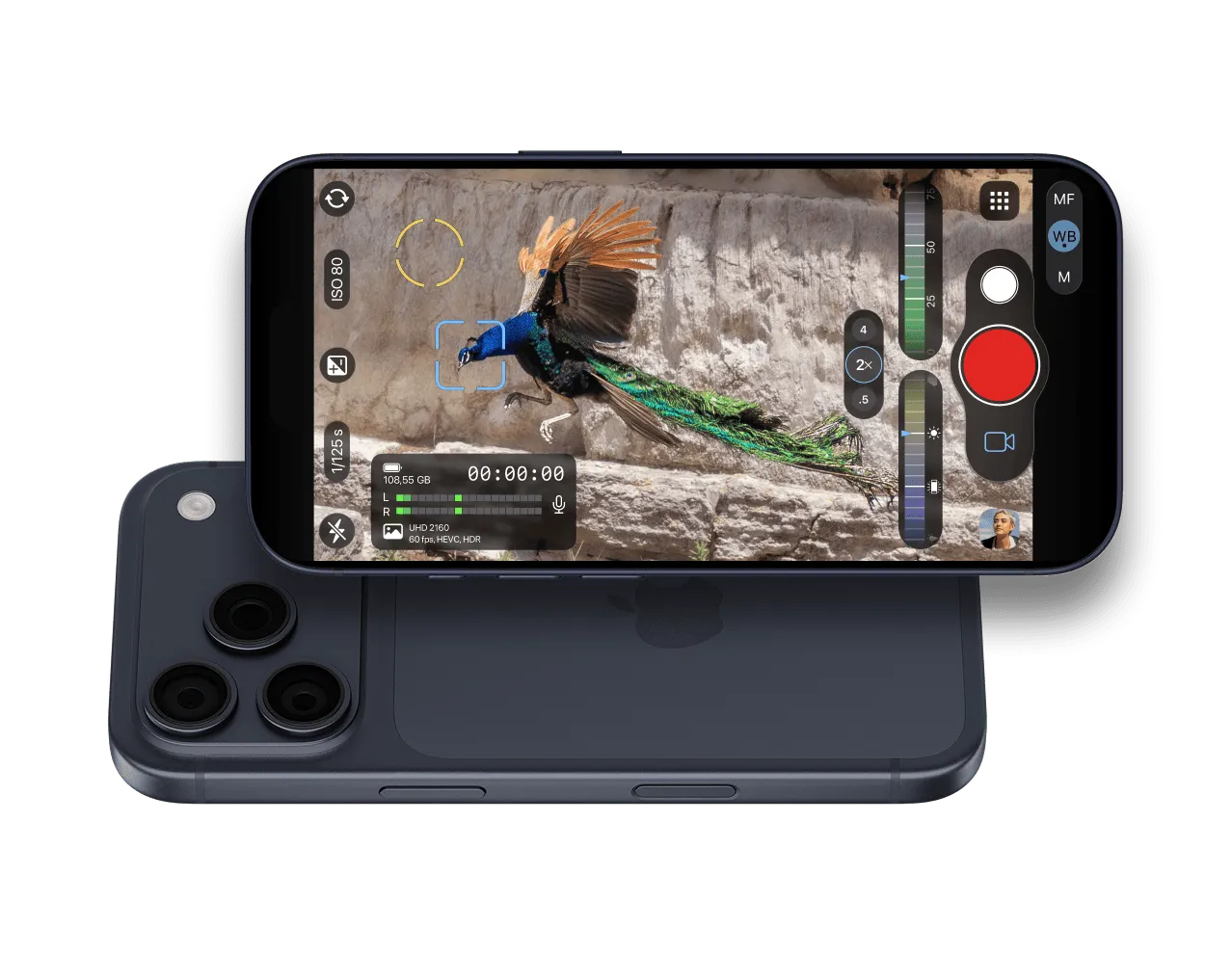
- 4K 120fpswith manual exposure
- ProRes RAWand Apple Log 2
- 240fpsHEVC slow motion
Film
See what you can do with ProCamera
One day on Crete, shot on iPhone with ProCamera: photo modes, manual controls, editing and pro video in one short film.
In their words · What photographers say
“Shooting with ProCamera is a lot of fun. The smartphone is an extension of myself.”
Martin U WaltzAward-winning street photographer, Berlin “As a professional of over 20 years this is the only app I trust. It provides me all the control I need…”
Richard Koci HernandezJournalist & Assistant Professor, UC Berkeley Graduate School of Journalism