
What’s New in ProCamera v26.2 – Smart Portraits, File Format Display, Studio Redesign, New Supported Devices
ProCamera v26.2 Introduces Smart Depth for Beautiful Depth Blur, a Studio Redesign, and More
With this major update you can add stunning bokeh to your photos, and see your capture format and resolution at a glance, right on the capture screen.
SMART DEPTH (Premium)
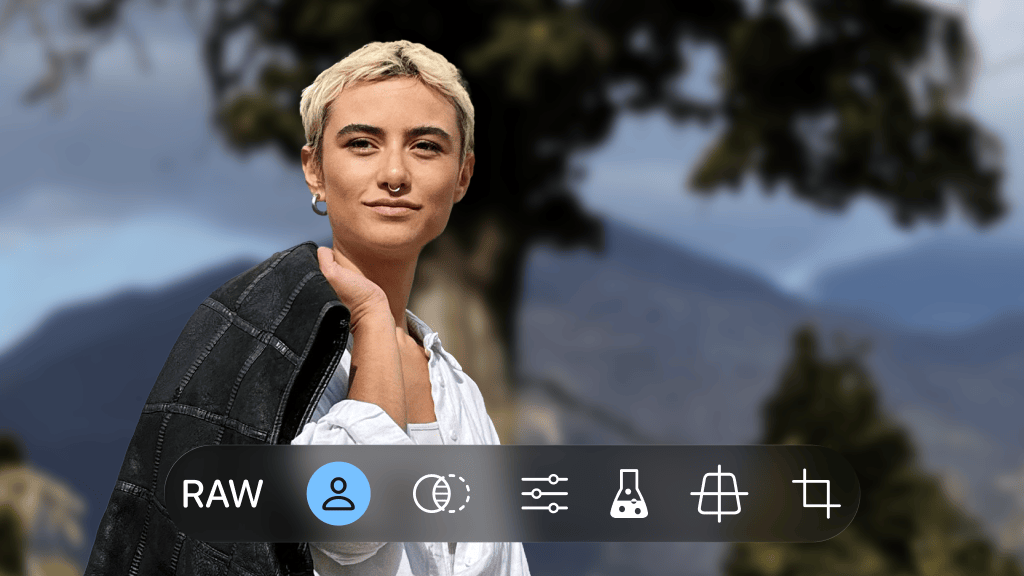
Bring professional background blur to any photo with a human face in it, even images taken years ago on a different camera without Portrait Mode. Our new Smart Depth uses machine learning to detect faces and apply a natural, artistic bokeh effect. This can turn old snapshots into studio-quality portraits.
How to use: Simply open a photo with a face in it in our Editing Studio and adjust the simulated aperture to your liking by swiping up/down in the Depth studio section.
This brand new premium feature is part of the ProCamera Up feature bundle which might be an optional upgrade depending on your plan.
EDITING STUDIO REDESIGN
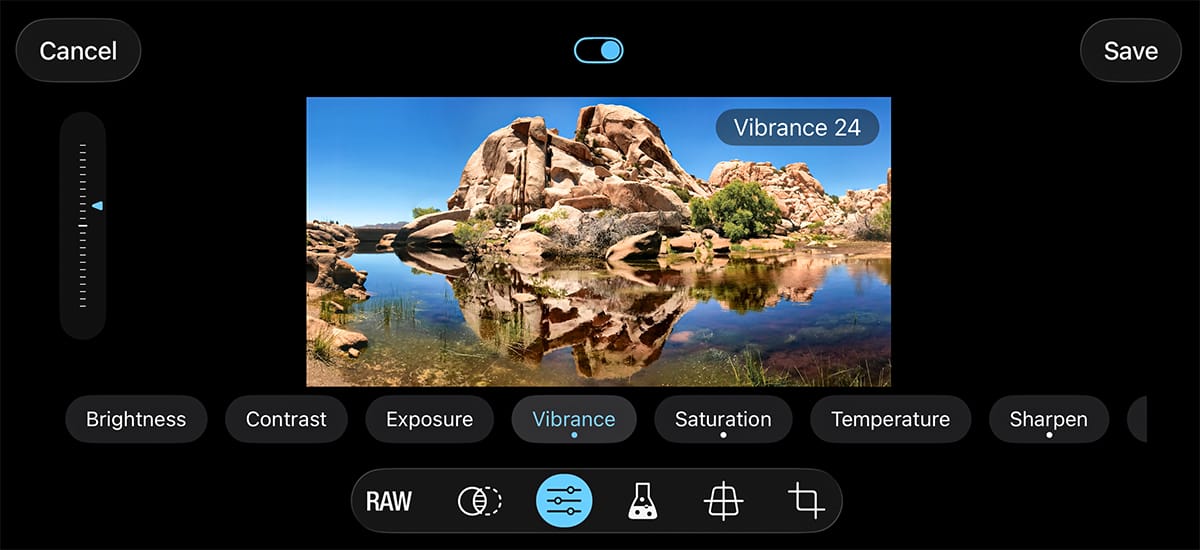
Our redesigned editing studio embraces the elegant Liquid Glass look of iOS 26.
FILE FORMAT DISPLAY
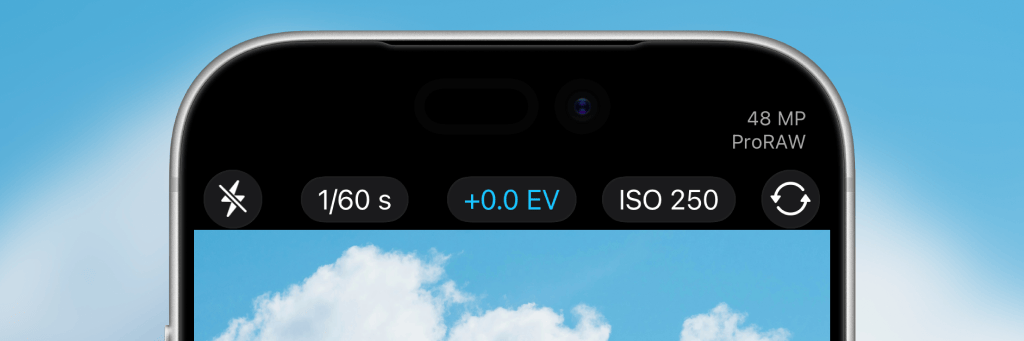
View the active photo format and effective resolution directly on the capture screen. It dynamically updates to match your current camera settings, e.g. when zooming in from 1x to 2x with 48MP capture enabled.
This feature is available in the top right corner on all iPhones with a notch or Dynamic Island.
SUPPORT FOR LATEST APPLE DEVICES
We already optimized the app for the brand new iPhone 17e as well as the newly released iPad Air (M4).
GENERAL IMPROVEMENTS
As usual, bug fixes and performance improvements.
As always, if you have any questions, suggestions, or encounter a bug, please reach out to us via in-app support or email at [email protected].
PS If you’d like to support our development, please help spread the word and consider leaving a positive review in the App Store -> http://procamera-app.com/review
Thank you!