
Stunning HDR, manual exposure & white balance. ProCamera 8 – our most epic update!
 [](/wp-content/uploads/2014/09/iph6_6_0_screens_mockup_wb_ev_09.png)
With stunning HDR, manual exposure, and white balance controls, ProCamera 8 is our most epic update to date.
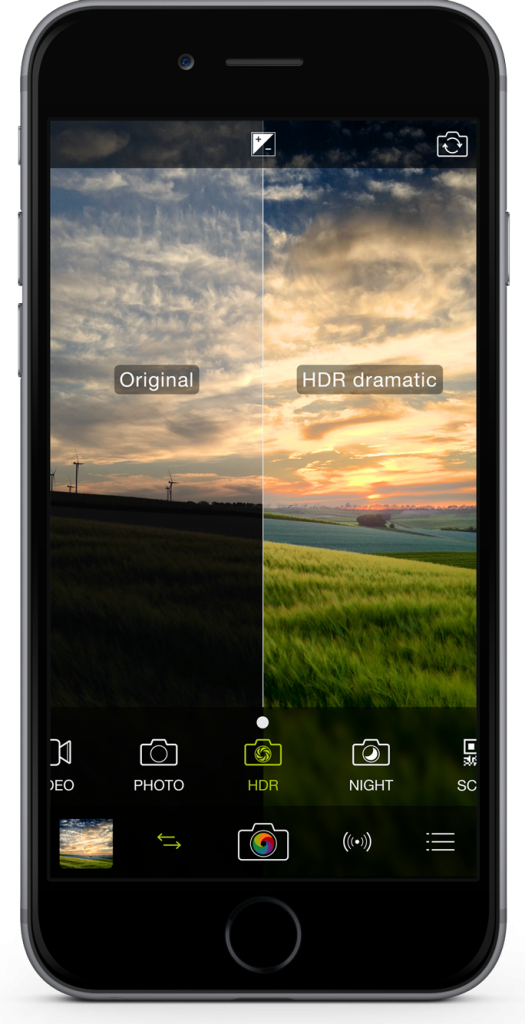
We’re very excited to offer you incredible HDR photos in ProCamera 8. By partnering with vividHDR through an in-app purchase, we’ve developed the fastest, highest quality and most advanced three-shot HDR capture on iOS 8. In fact, the HDR capture is so accurate that it’s even possible to capture moving objects without ghosting.
There are five different HDR styles available, including Natural, Vivid, Dramatic, Black & White, and Faded. All styles are custom made from the three shot combination. These can be preset in the Control Panel or swiped through prior to saving.
The HDR Camera can be found under the Camera Switch icon. You can try the HDR for free or purchase to remove the watermark.
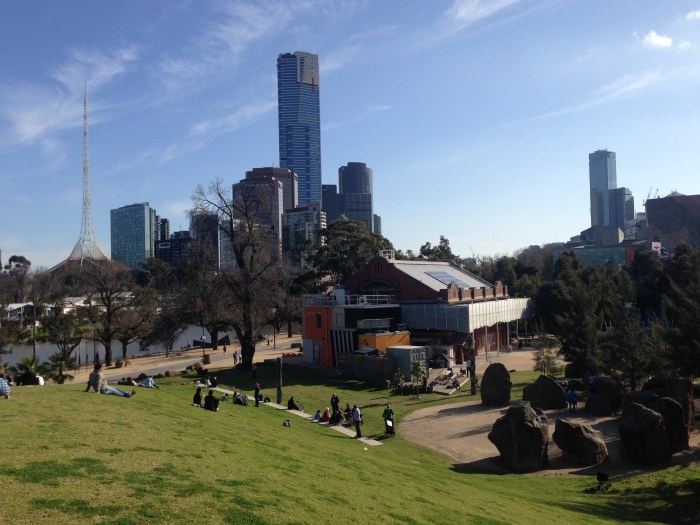
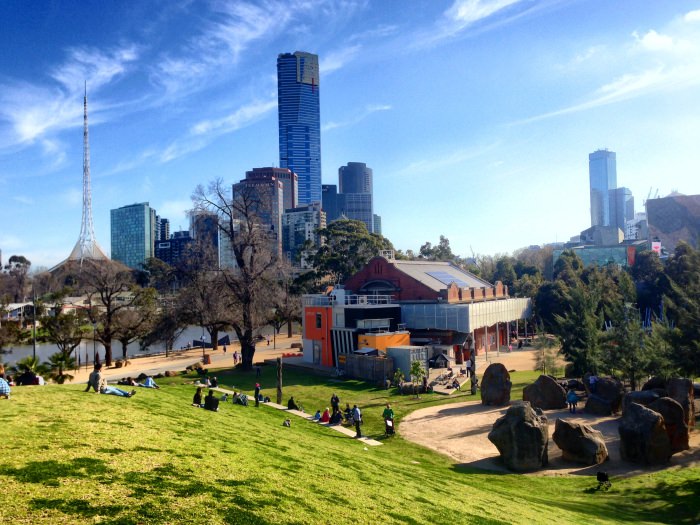
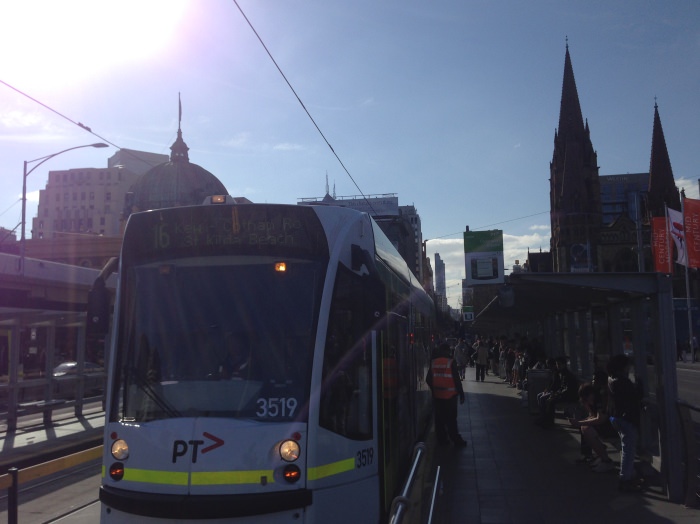
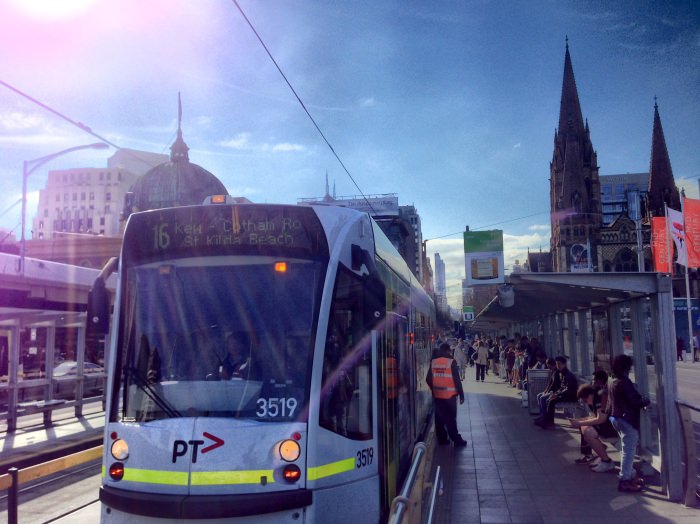
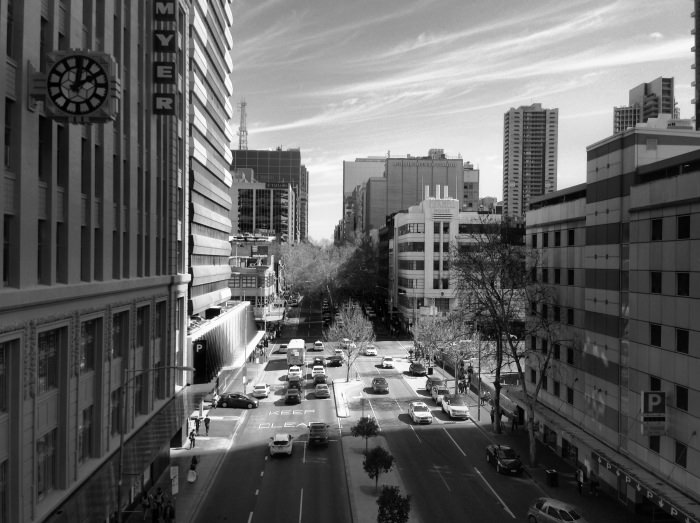
Here are some before-and-after examples to show you the dramatic impact that the new HDR mode has on the overall luminosity and vibrancy of photos.
Dramatic HDR
Before
After
Vivid HDR
Before
After
Black and White HDR
Before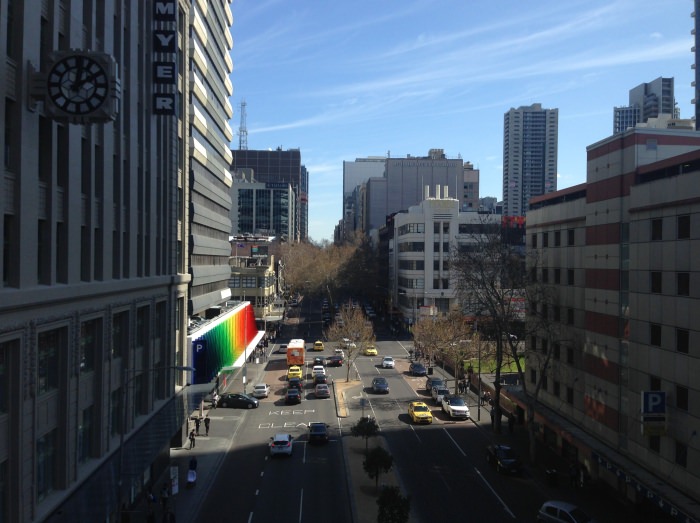
After
With iOS 8 we can now offer real exposure control in ProCamera 8. We’ve done this in two ways. The first is with a dedicated Exposure Compensation (EV) dial that you can turn on at any time from the viewfinder (top row middle – as shown below).
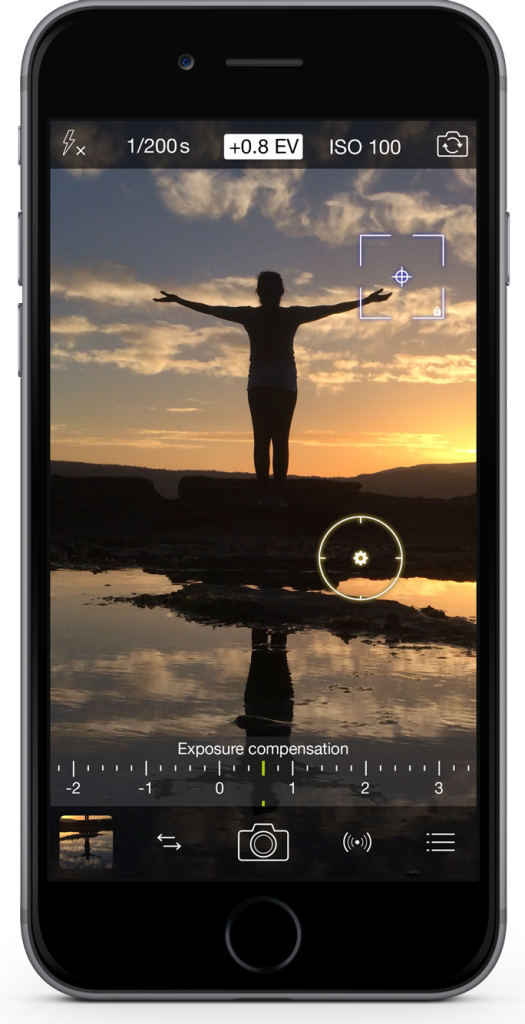
The new EV dial gives you complete control over the light levels in your photos. We’ve designed it to always be within reach without distracting you from shooting.
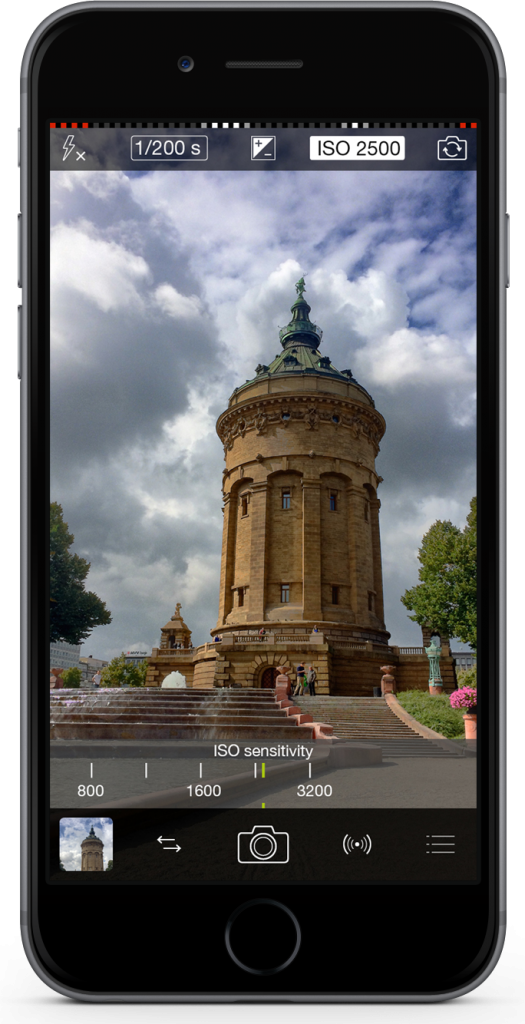
The second way you can control exposure is with the dedicated ISO & Shutter mode that you can turn on in the Control Panel. As the name suggests, you now have full manual control over the ISO sensitivity and Shutter Speed on your iPhone. A simple tap on either reading in the top row will activate the corresponding dial below. The precision dials and readings will help guide your adjustments, you can also tap on the dial to quickly increase or decrease your ISO and Shutter. Both the EV and ISO & Shutter Speed controls work together with our well-loved yellow exposure circle (reticle).
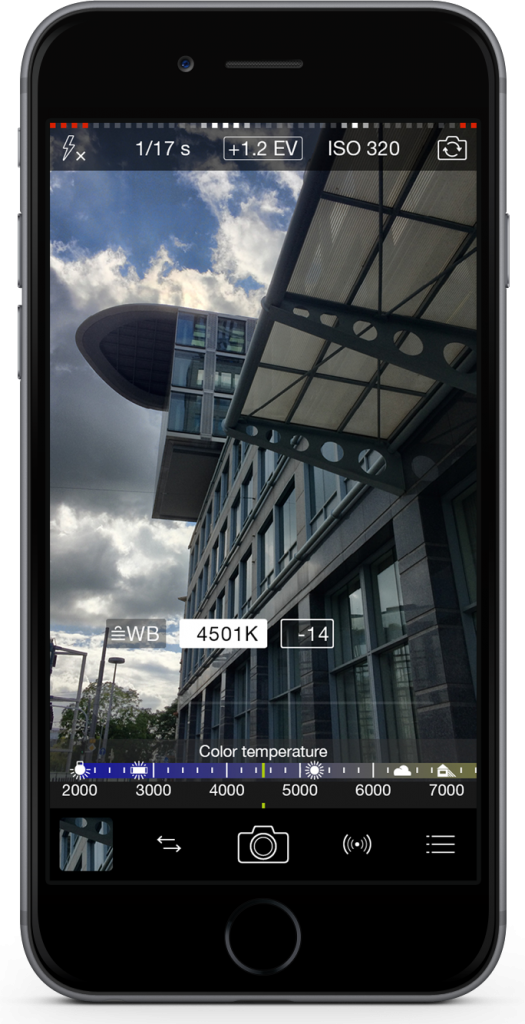
But that’s not all for manual controls. We’ve also added complete color control to the White Balance (WB) function in the Control Panel. Tapping on the White Balance icon on the capture screen now opens up a new world of manual color temperature and color tint. As you can see below, the color temperature dial provides both the Kelvin scale and preset icons found on most digital cameras.
Finally, for the videographers we have included slow motion playback for high-frame rate videos. You can also adjust the pitch of your audio with one of four new presets.
As with all new iOS releases and updates if you have any suggestions or find a bug then please let us know via the in-app support or email us at [email protected].
We can’t wait to see what you create with the new ProCamera 8! Available on the AppStore now for $3.99.