
What’s new in ProCamera HD Version 2.1
ProCamera HD, our custom designed app for the iPad, has been completely overhauled and optimized for iOS 8. But that’s not all… We have also packed this update with a lot of great new features for editing, viewing, and organizing your photos. To thank you for your support, we have also included 2 free filter packs.
EXTENDED PHOTO EDITING CAPABILITIES
We have introduced 5 new and powerful editing tools in this update. Tweak your photos or give them a certain look — the possibilities are almost infinite.
CURVES TOOL
When asking professional photo editors around the world about the one adjustment tool they just can’t live without, most of them will answer “Curves”. With this powerful tool you gain complete control over tonal range. This single tool let’s you fine-tune contrast, color, and brightness by adjusting shadows, midtones, and highlights separately.
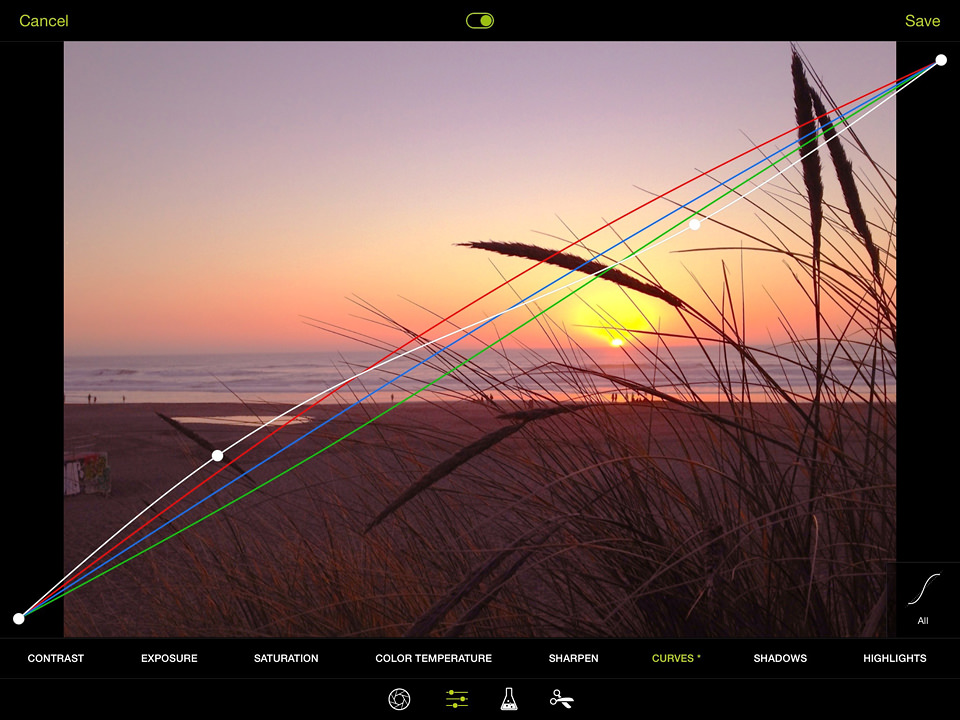
Once you are used to this tool, you will soon appreciate the extensive amount of control it gives you. The concept is simple but effective: The diagonal line represents the original state of your photo, and it’s going from the shadows of your photo (down left) to midtones (middle of the graph) to the highlights (up right). You can tap at one point of the diagonal line and drag it up to lighten — or drag it down to darken this part.
So, for example, if you want to lighten up the shadows in a photo, simply drag a point on the left side of the graph upwards. To darken the highlights, simply drag a point on the right side of the graph downwards.
Expert Mode: Those who mastered the basics of the Curves tool can add an additional dimension by adjusting the Red, Green and Blue channels separately. This provides entirely new ways to adjust/correct white balance afterwards, or to create your personal color effect.
SOLAR WIND & MAGNETIC STORM
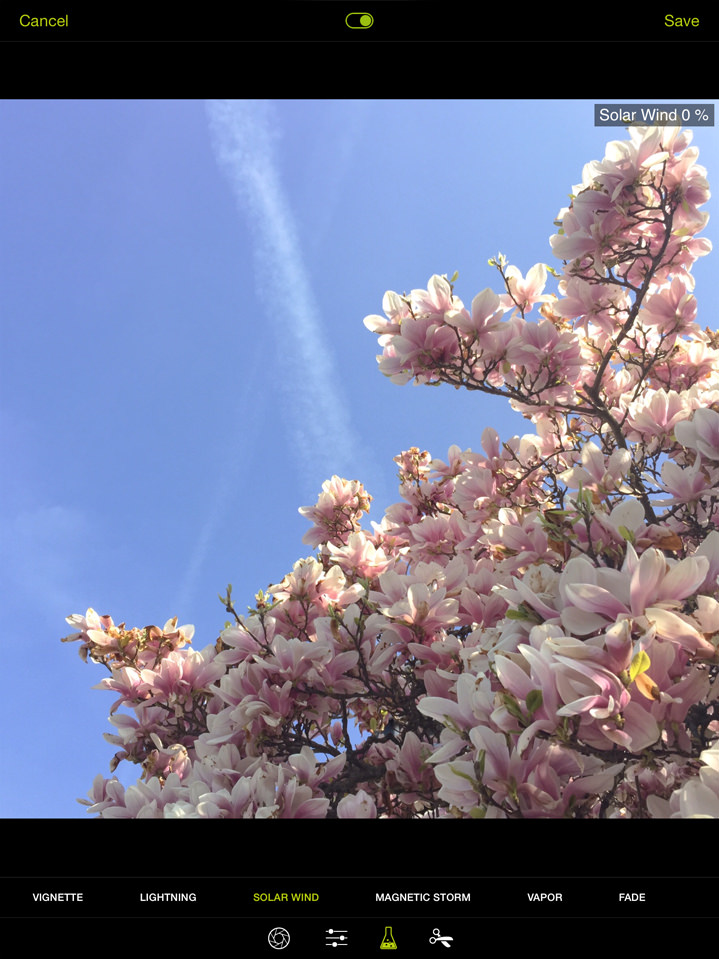 Before
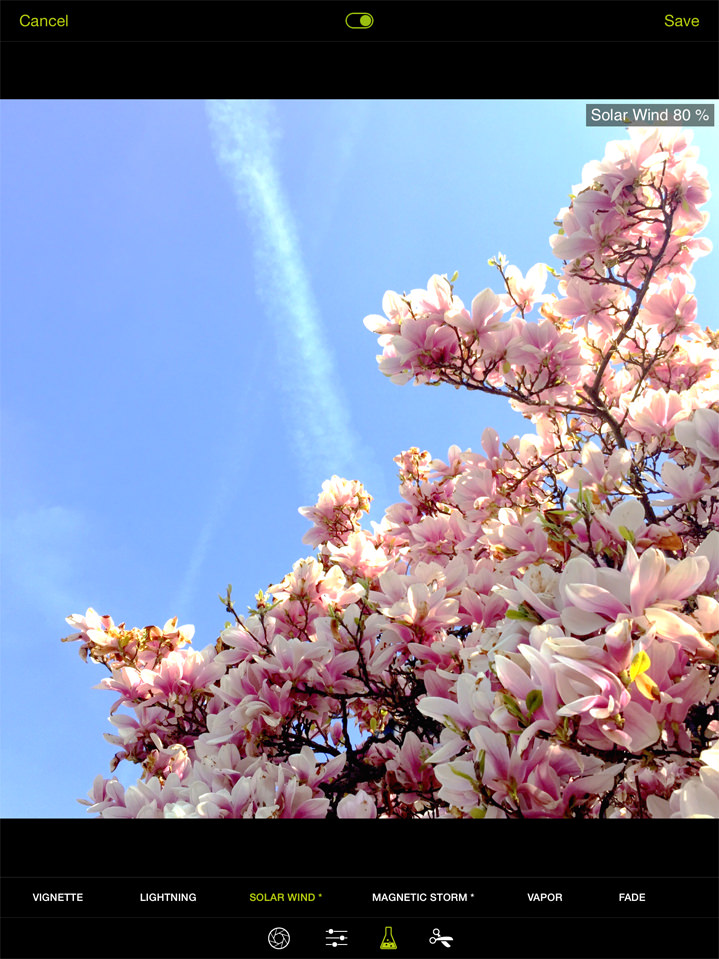 After
AfterAllow yourself to be surprised: The Magic Tools are an exciting place to experiment. With the new tools “Solar Wind” and “Magnetic Storm” you can produce stunning images with artistic effects and vibrant colors. This is something that we’d rather not explain in detail, to let you explore the possibilities with your own photographs. Create the style you like, with the images you like.
Just two little tips: By swiping up and down, you can dial in positive as well as negative values — and you can also combine the effects of both tools to create something absolutely new.
VAPOR TOOL
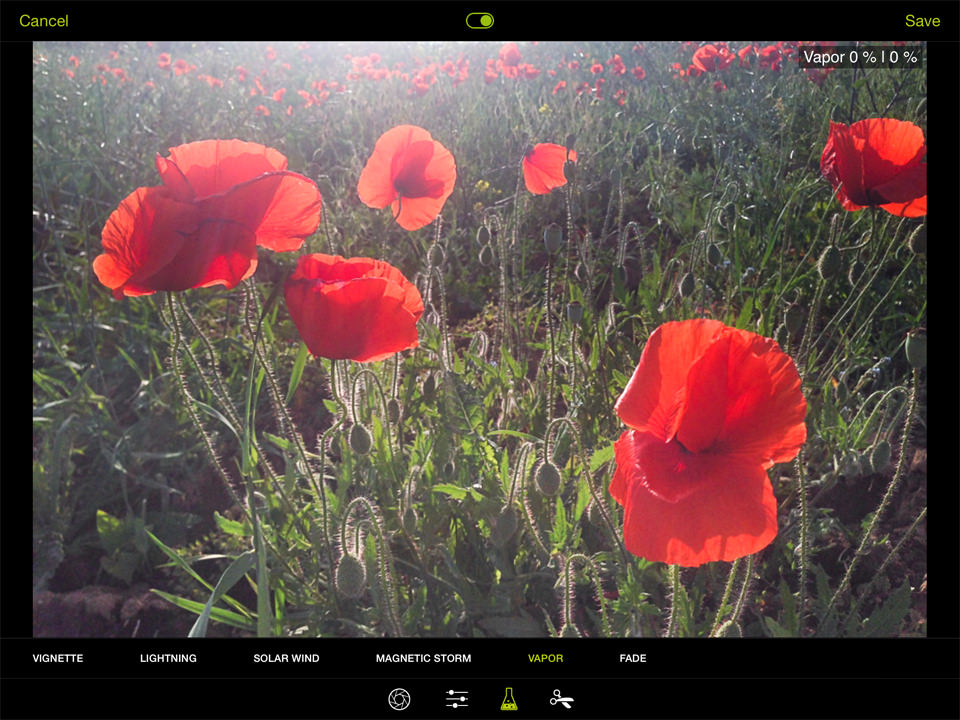 Before
 After
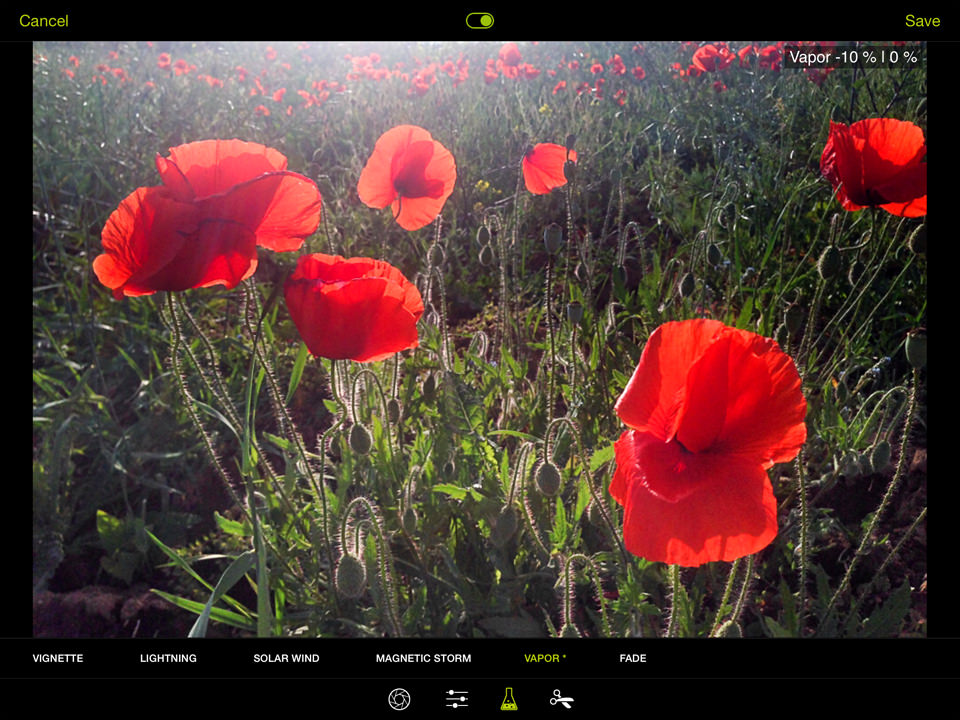
AfterUse it either as a “digital UV Filter” to improve contrast on otherwise hazy shots — or to intentionally add haze to a photo, creating dreamy scenes. Move your finger across the screen to find the right setting: By moving your finger up, you add haze — by moving your finger down, you increase contrast.
The original photo of the corn poppies had a lot of glare, because it was photographed against the sunlight. To enhance contrast, you can use the Vapor tool with a negative value.
FADE TOOL
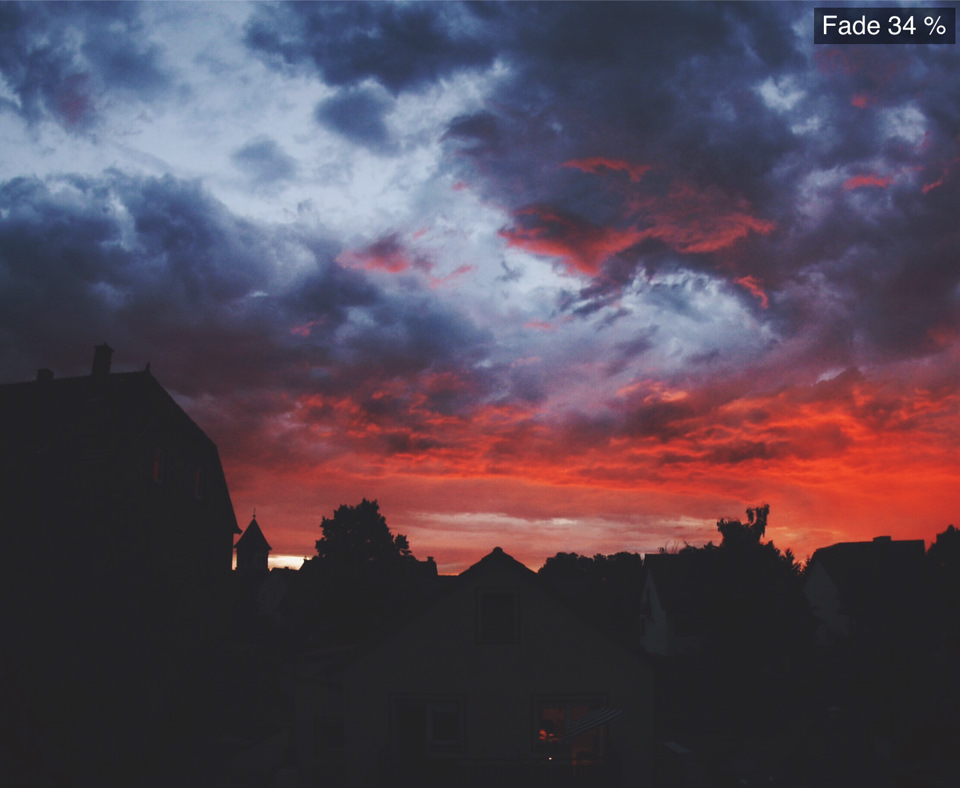
Give your photos a faded, analog look. By swiping upwards you soften the blacks without blowing out the highlights.
Tip: Give it a try on one of your black & white photos, too.
DELETE FROM CAMERA ROLL
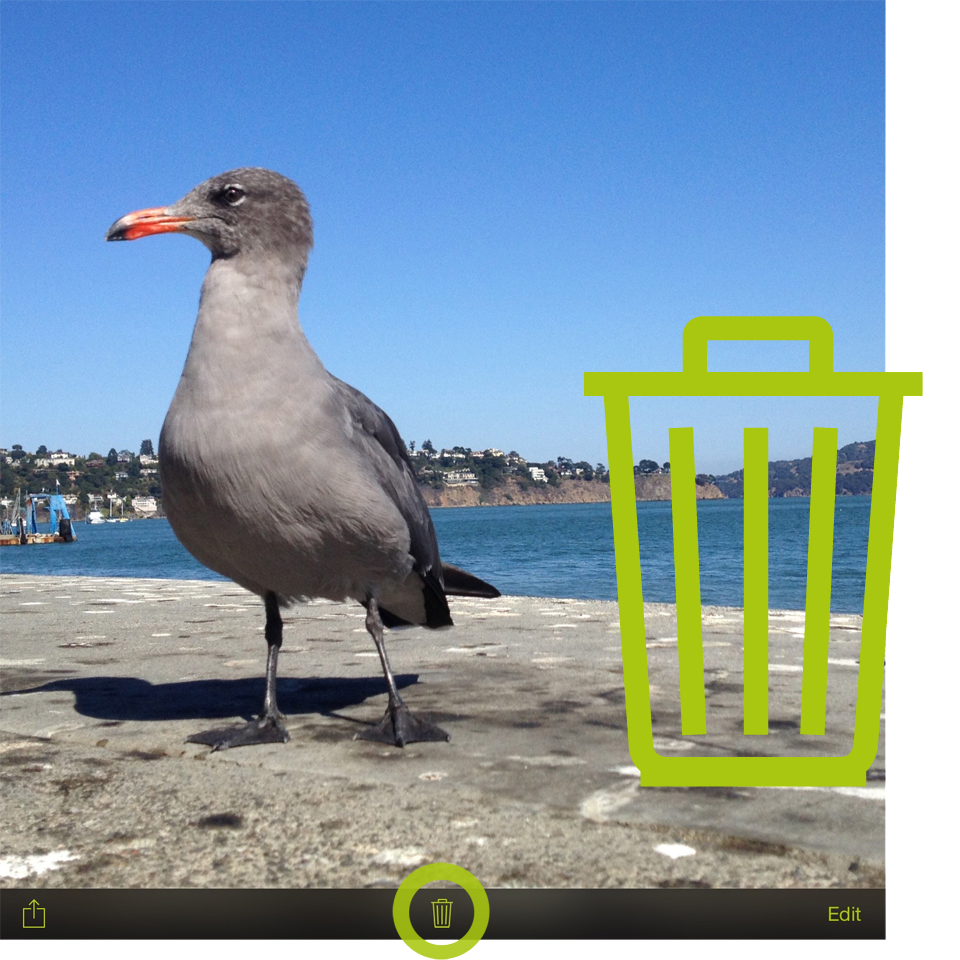
The option to delete photos from the Camera Roll is finally here! Based on the power of iOS 8, this will be the cornerstone for future handling of the Media Library. Thanks to our users for making this a priority for us.
MASONRY THUMBNAIL VIEW
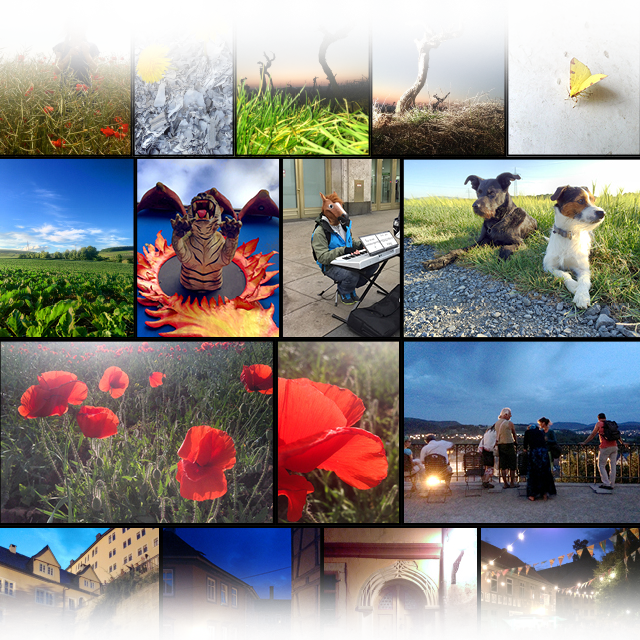
The previews in your Camera Roll and Lightbox are now shown in their native aspect ratio. This means the previews are no longer displayed as a line-up of uniform squares, and you can easily keep apart images in a photo series. You are able to immediately tell whether it’s a photo you took in landscape or portrait mode, or to spot photos of a specific capture format or cropping.
FREE FILTER PACKS
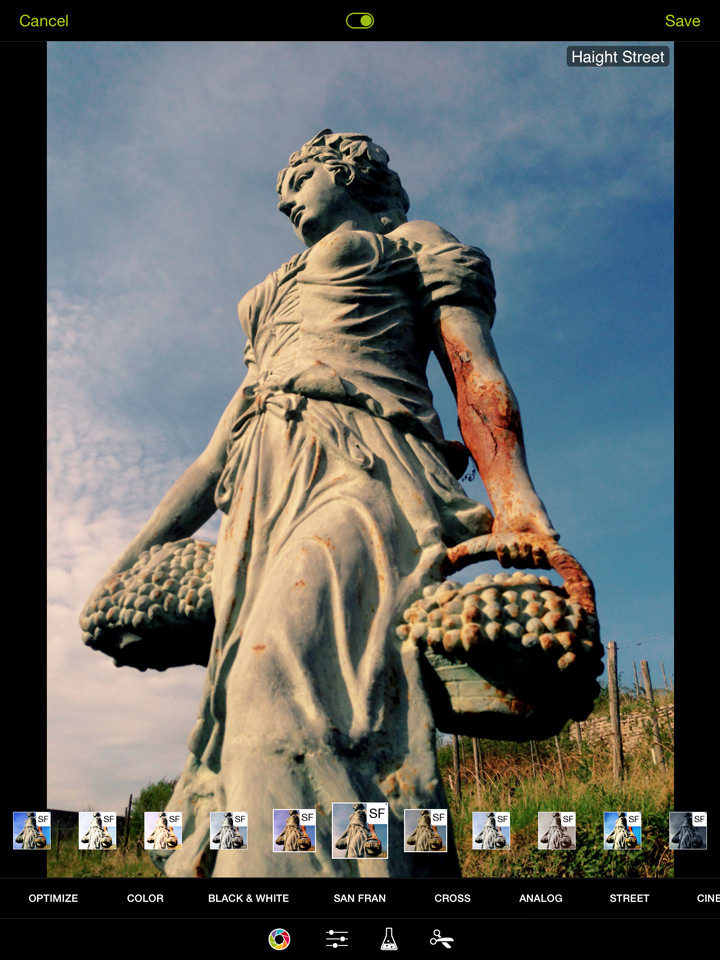
As a way of thanking our loyal ProCamera HD users, we are making our versatile “Street” and “San Fran” filter packs available free of charge. Flip through the new sets of filters and add a certain something to your photographs.
The “San Fran” pack includes 14 filters inspired by the color, style, and energy of San Francisco’s iconic districts, and the “Street” set of filters is a digital homage to the black and white films used by the masters of street photography.
Let yourself be inspired and encouraged by the new possibilities of ProCamera HD.
To learn more about the plethora of features in ProCamera HD, download the desktop version of our Manual:
https://www.procamera-app.com/en/user-manual/
As with all new iOS releases and updates, if you have any suggestions or find a bug then please let us know via the in-app support or email us at [email protected]. Thanks to our Partner HockeyApp, you can now also send photographs and screenshots along with your in-app-feedback.
If you’d like to support our development please help spread the word. Consider leaving a review in the App Store:
https://review-hd.procamera-app.com Every single review is much appreciated