
What’s New in ProCamera v12.2 – A Decade of ProCamera
10-YEAR ANNIVERSARY – Celebrating ten years of ProCamera on the App Store!
We thank you for choosing our app. It’s our ongoing mission to make the iPhone the only camera you will need. ProCamera v12.2 is the first of our 2019 anniversary updates.
APP ICON
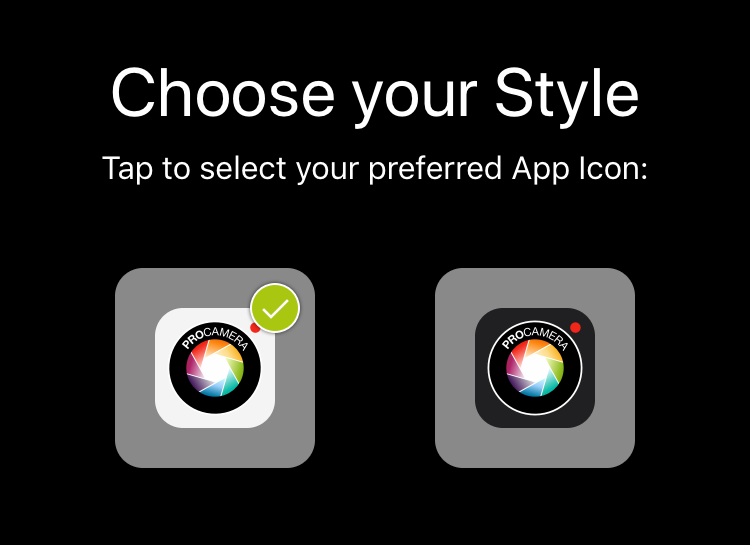
To commemorate this special anniversary, we are offering our icon in black as a nod to our original app icon.
Right after starting ProCamera, you will get to choose between a black and a white icon design – which one do You prefer?
If you decide to switch the icon at a later point in time, you can do so in the Settings of ProCamera.
EDITED VERSION SUPPORT
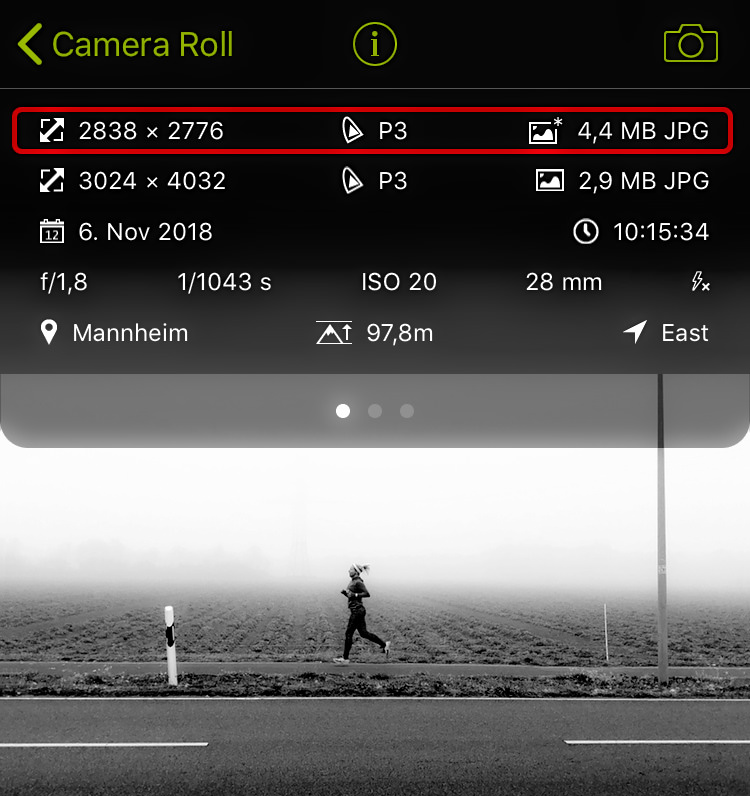
Edits of your original photo can now be saved as an edited version. This means both images are grouped in one photo library entry, which helps you keep your photos organized. In ProCamera, this currently affects the editing of a photo (original + edit) and Portrait Mode captures (standard photo + photo with depth blur).
Our EXIF viewer will always tell you, if there is an edited version for this image and how it differs from the original (see screenshot).
Lightbox and Private Lightbox don’t utilize edited versions. In these folder, new edits are saved as separate photos.
In case you want to save an edit as a separate file (like in the past), simply tap and hold the save button in the studio and choose to “Save as a New Image”.
KEY FACTS:
Edited Versions are currently characterized by specific properties:
- Edited Versions are saved as JPG files, regardless of the file type of the original photo
- A photo library entry can only include one Edited Version. A new edit will replace the previous edited version.
- When shooting RAW+JPG, the original JPG can be edited and saved as an edited version. When editing the RAW file from that group, the edit will always be saved as a new image (= separate photo library entry)
WHITE BALANCE SPLIT DIALS
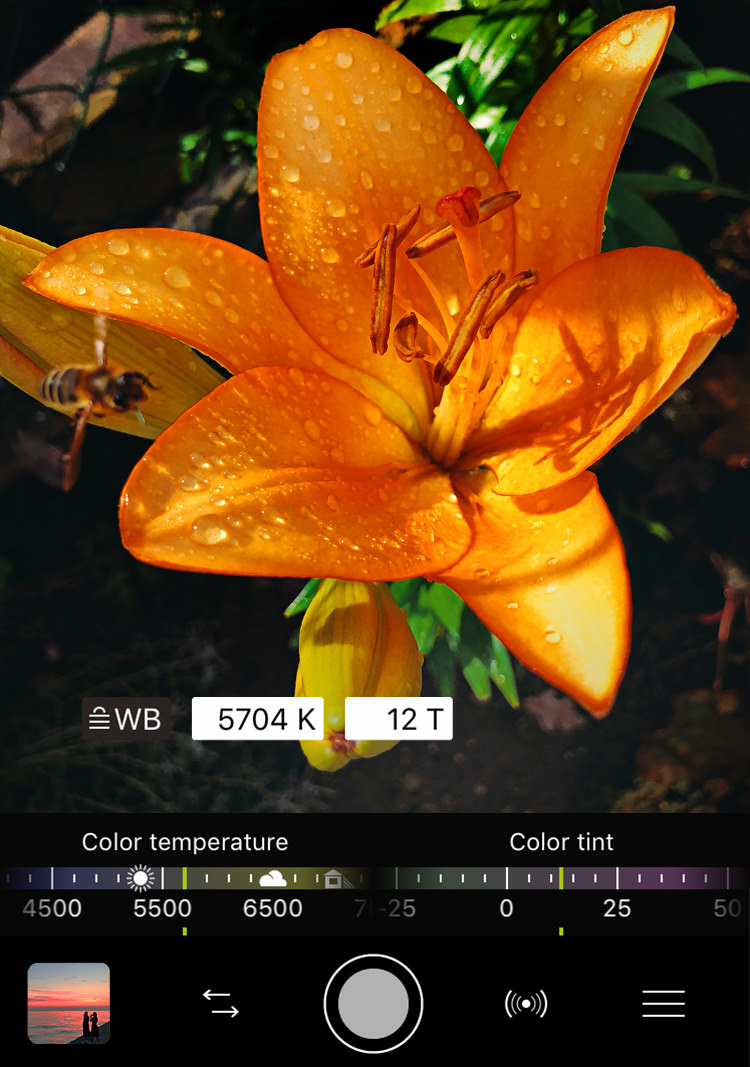
Thanks to the new split dials, both color temperature and tint sit right at your fingertip: no more switching – for immediate white balance adjustments.
To activate the White Balance feature, open the Control Panel and tap the “WB” icon. Afterwards, you will see an AWB button in your viewfinder.
SIRI SHORTCUTS
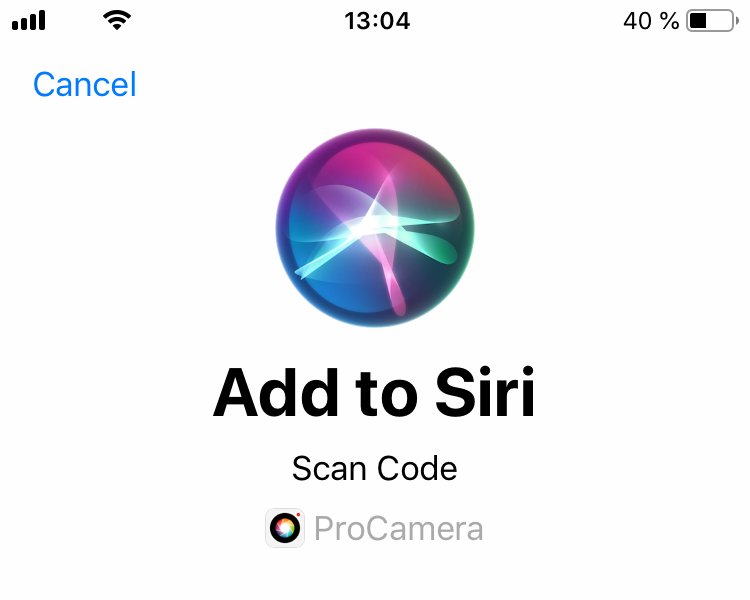
Use just your voice to open ProCamera in a specific camera mode. If Siri is activated on your device, go to iOS Settings > Siri & Search and record a custom command for one or more camera modes.
If a specific camera mode is not suggested there, switch to ProCamera, navigate to that mode and go back to iOS Settings.
HDR IMPROVEMENTS
Get better photos even faster – Speed-up of the HDR capture process, which is especially noticeable on older devices.
As with all new iOS releases and updates, if you have any suggestions or find a bug, then please let us know via the in-app support or email us at [email protected].
If you’d like to support our development, please help spread the word. Consider leaving a review in the App Store: https://review.procamera-app.com
Every single new or refreshed review is much appreciated. Thank you!