
What’s New in ProCamera v26.0 – Major redesign, support for iOS 26 and iPhone 17 generation
ProCamera v26.0 introduces support for the latest iPhones, a fresh iOS 26 design, external storage options, and next-level video tools
Built for your creativity and beautifully redesigned for the liquid glass aesthetics of iOS 26.
The new ProCamera v26.0 is a landmark update, packed with the features and refinements we’ve been crafting all summer — designed to give you an even better shooting experience.
SUPPORT FOR THE NEW iPHONE GENERATION
Fully optimized for Apple’s latest devices: iPhone 17, iPhone 17 Pro, iPhone 17 Pro Max, and the brand-new iPhone Air. ProCamera takes full advantage of the new camera hardware with 48 MP support on all lenses.
iOS 26 REDESIGN
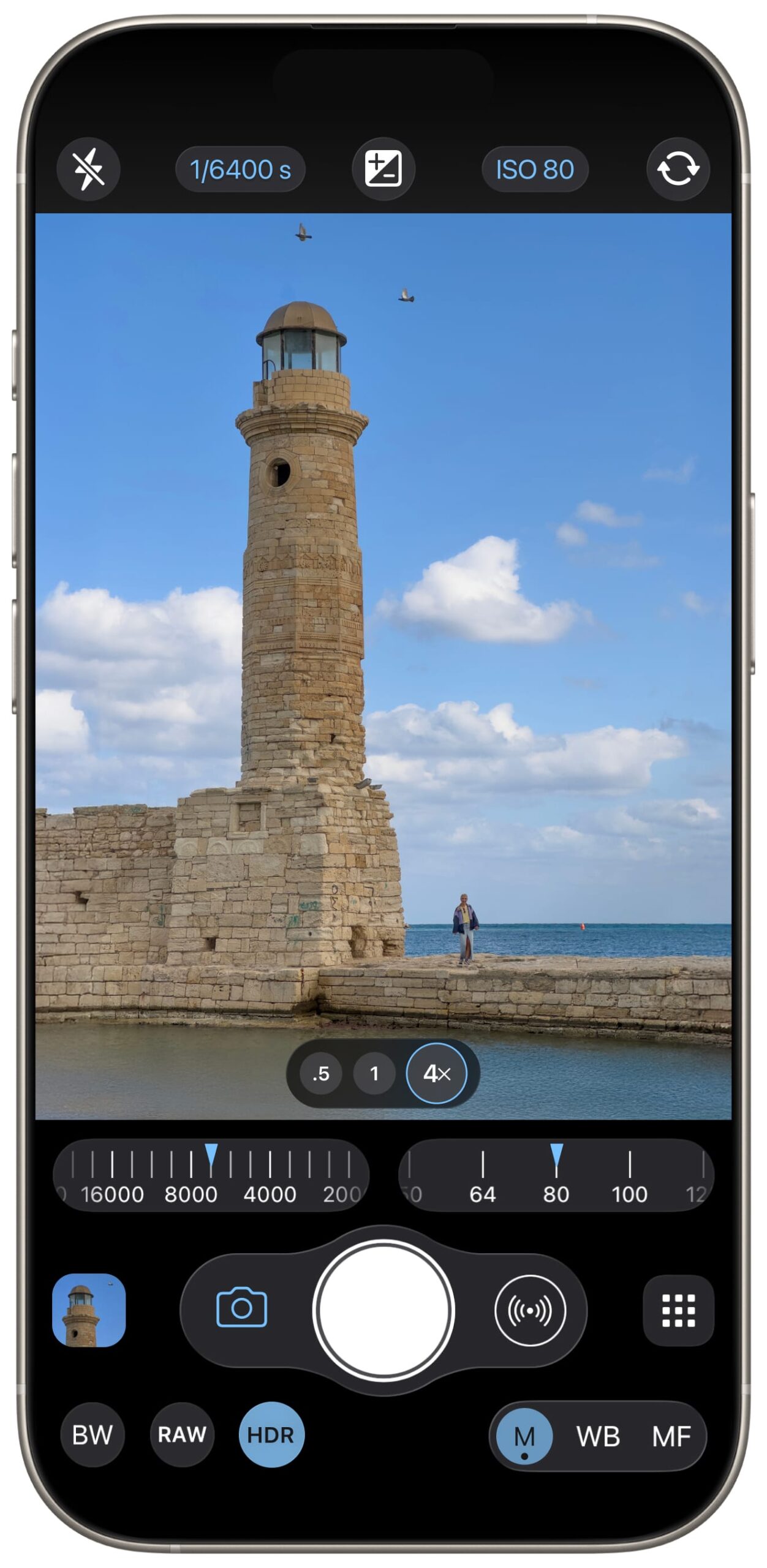
Inspired by iOS 26’s elegant Liquid Glass design, we’ve refined ProCamera’s interface for smoother navigation, better ergonomics, and a look that feels right at home on the newest iOS.
ALL-NEW ALBUM LIST
The redesigned album list gives you a clearer overview of your entire media library. Thoughtfully structured, it organizes your photos and videos into four main areas:
- Main Albums: Includes Recents (“Camera Roll”), Lightbox, and the protected Private Lightbox.
- Types: Quick filters to help you find what you need — e.g. Favorites, Selfies, Videos, RAW, and more.
- External locations: Access folders and files from external storage. For example, browse DSLR photos from an SD card or videos from a USB stick — complete with full EXIF data.
- Albums: Your personal iOS albums, such as custom collections you’ve created.
SAVE PHOTOS TO EXTERNAL STORAGE (Premium)
Shoot as long as you like: with our new premium feature, you can save your next captures straight to external storage. Perfect for marathon photo shoots, time-lapse photography, and streamlined file management.
To change the save location: Long press the album thumbnail on the capture screen > tap the “+” button > select “Add External Directory”.
NEXT-LEVEL VIDEO CAPABILITIES
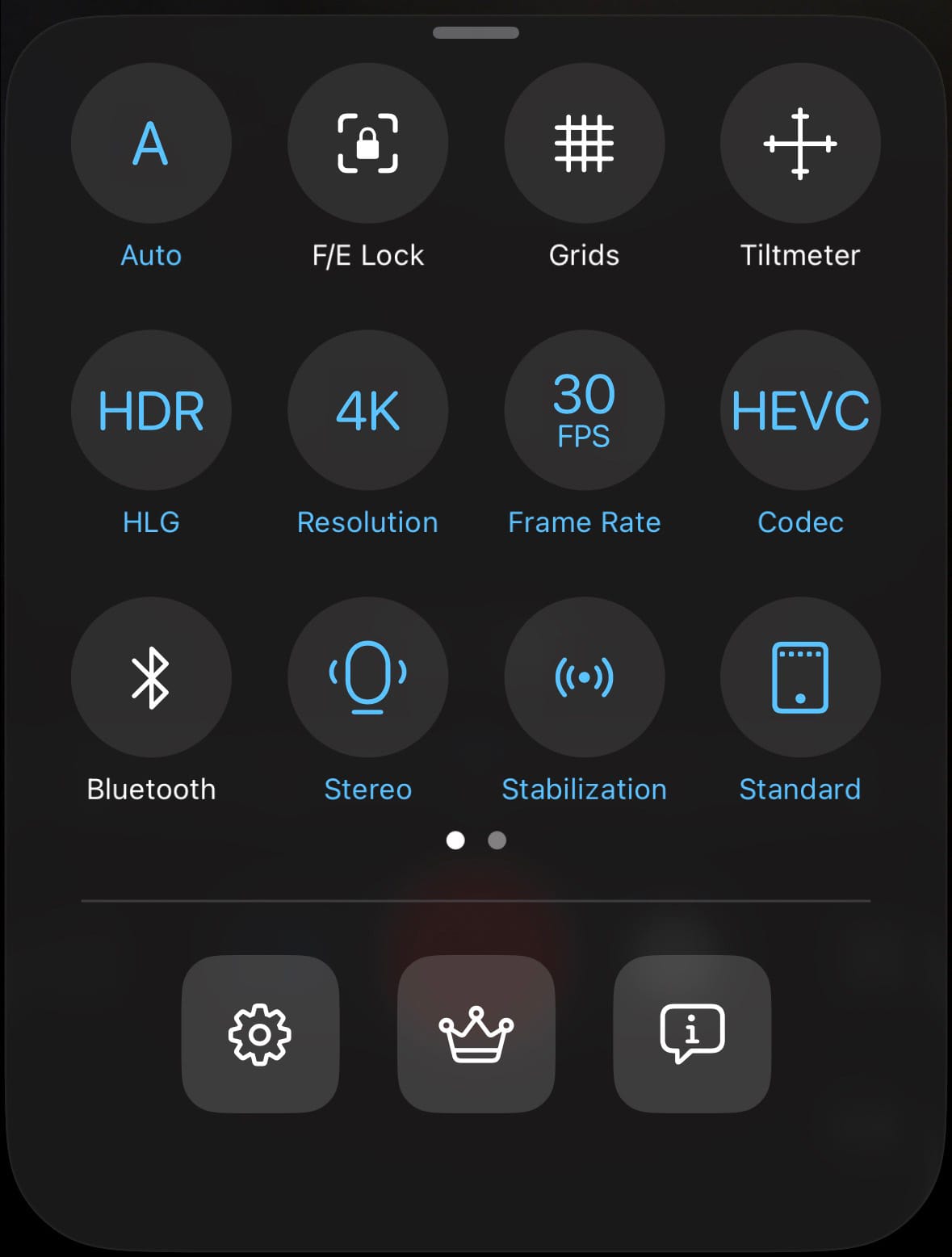
Pro tools, right at your fingertips. The revamped Control Panel in Video mode gives you quick access to key video settings like stabilization, color format (SDR, HDR, LOG), and codecs (H.264, HEVC, ProRes).
Plus, the brand-new Audio Mode lets you choose between silent video (video recording without sound), mono, stereo, or even immersive spatial audio.
GENERAL IMPROVEMENTS
Plenty of under-the-hood tweaks for faster performance and even greater stability.
New iOS versions and devices require careful adjustments to ensure optimal performance. As always, if you have any questions, suggestions, or encounter a bug, please reach out to us via in-app support or email at [email protected].
Every single new or refreshed App Store review is much appreciated. Thank you!
If you’d like to support our development, please help spread the word and consider leaving a positive review in the App Store: https://review.procamera-app.com