
What’s New in ProCamera v10.3 – Favorites, RAW, HDR, Mirroring
Starting the summer season with an all-new version of ProCamera
As usual, the ProCamera update brings completely new features as well as refinements to existing functionalities. This time, it’s about your favorite images, mirroring, RAW+JPEG, HDR, and a lot more…
Favorite Photos & Videos
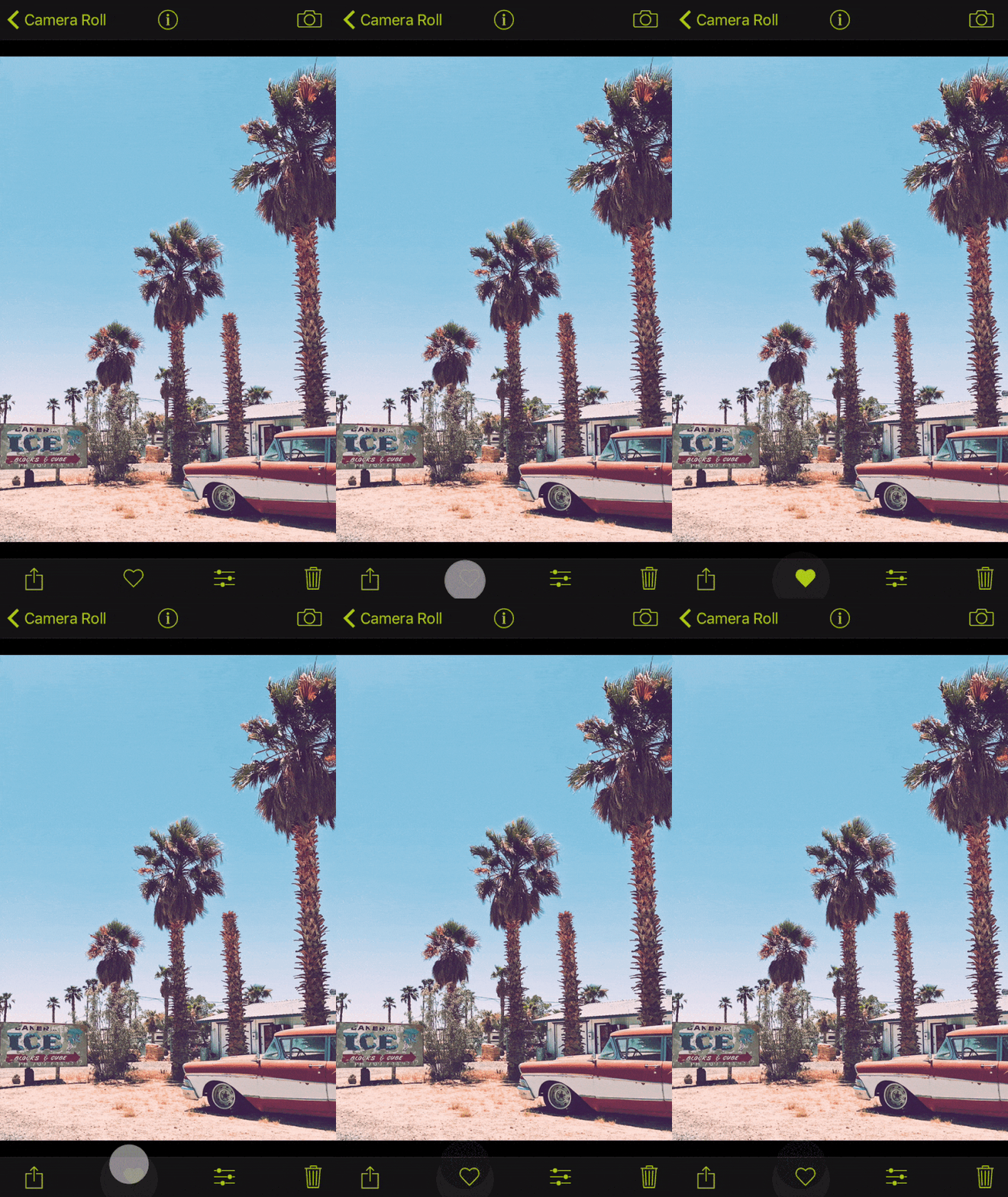
Now, you can organize your Camera Roll by adding your best photos and videos to the iOS Favorites folder. This is a great way to quickly navigate to these special files without having to scroll and dig through hundreds or even thousands of files in your collection.
Adding or removing a file from the favorites selection is as easy as a tap on the heart icon at the bottom.
In ProCamera’s album view, you will find a folder called “Favorites”, which holds your current selection. Files are just linked and not copied to this folder, so don’t worry about duplicate copies…
Mirroring Options & Beastgrip Support
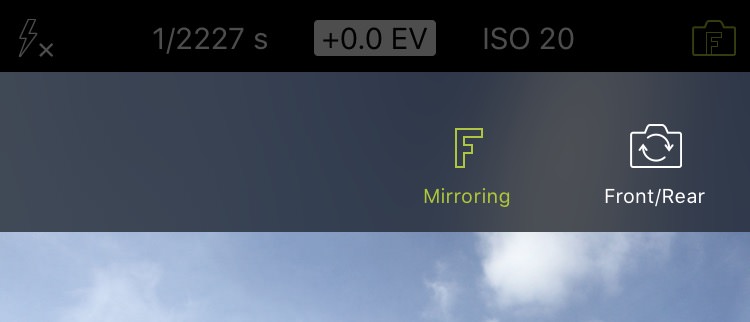
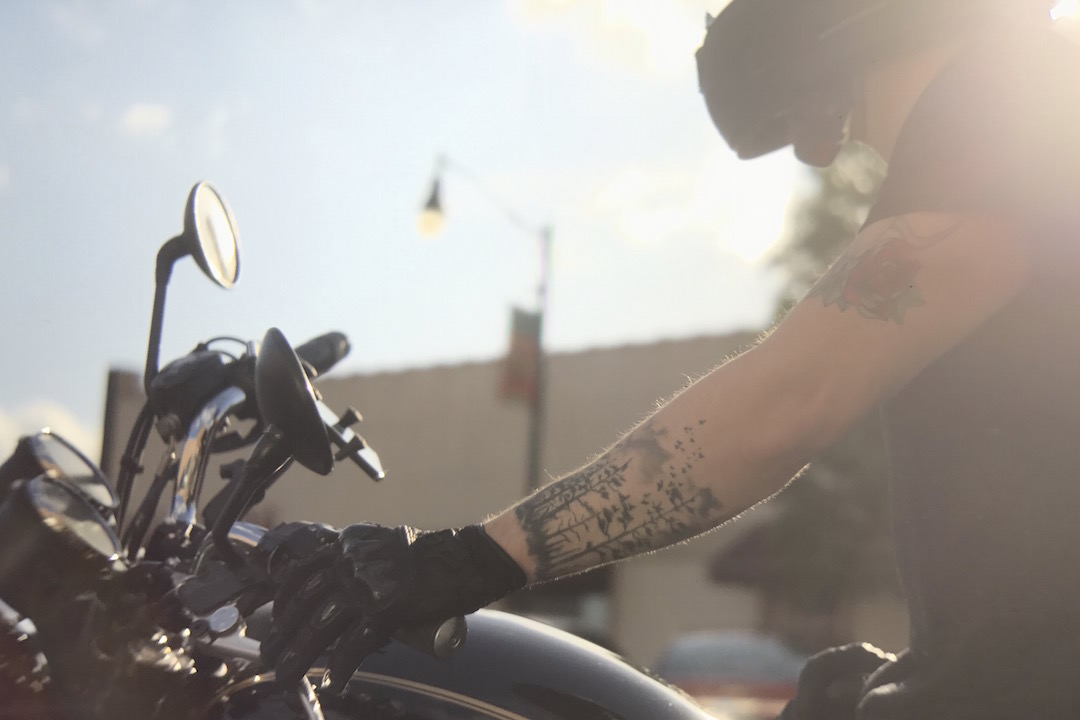
The great Beastgrip DOF Adapter as well as some add-on lenses require the camera image to be mirrored. The new and optional mirroring feature is enabled in the Advanced Settings (Settings > Advanced Settings) and flips your viewfinder and final photo vertically or vertically+horizontally.
When the Mirroring Options Menu is enabled, the front/rear camera switch icon on your capture screen shows an “F” inside the camera symbol. The shape of the letter changes according to the current mirroring setting. To change or disable the mirroring, simply tap the front/rear camera switch icon and toggle the mirroring (“F”) button.
Of course, this feature also works in video mode!
RAW+JPEG Combined
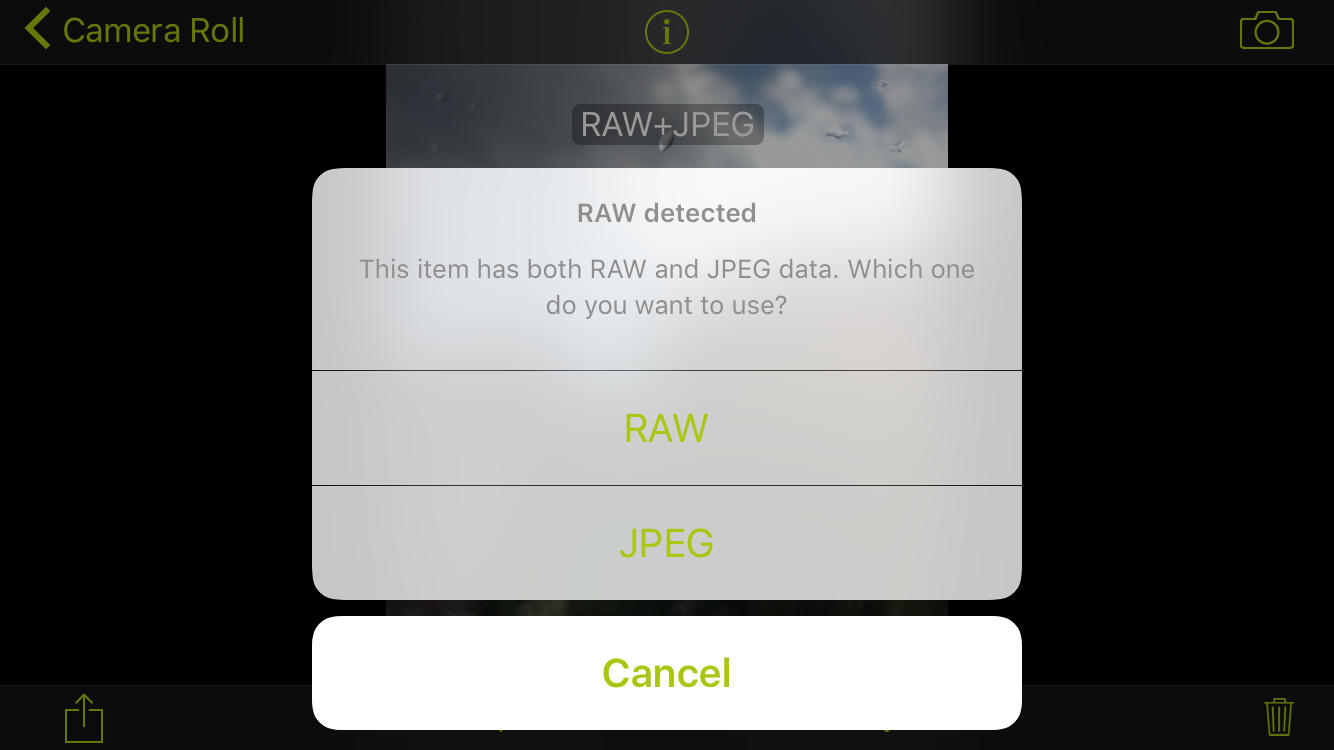
When shooting RAW+JPEG, both files will now be saved in one asset. No more clutter in your Camera Roll. When you want to edit or share such a combined asset, you may choose which file (RAW or JPEG) you want to use this time.
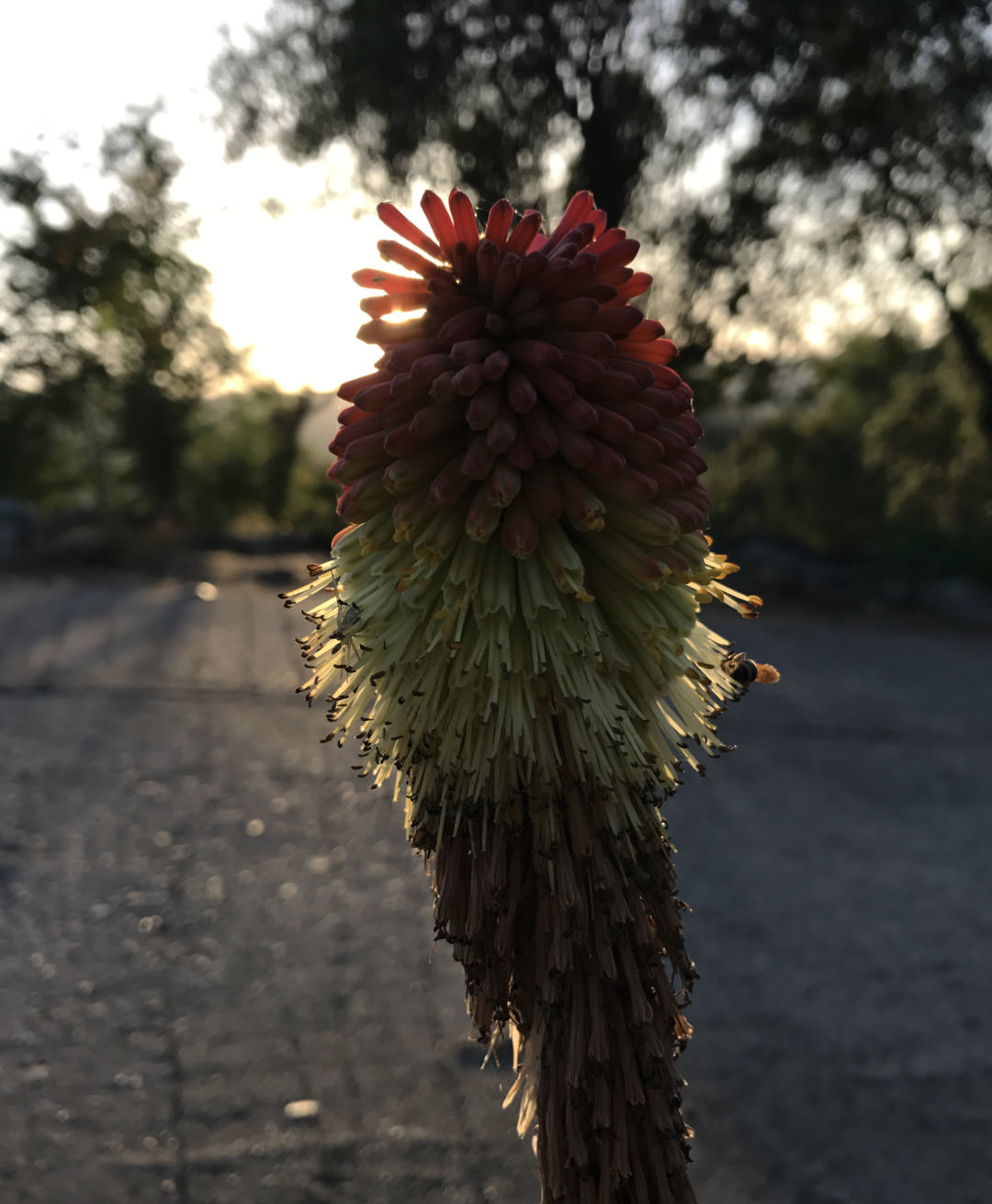 Before
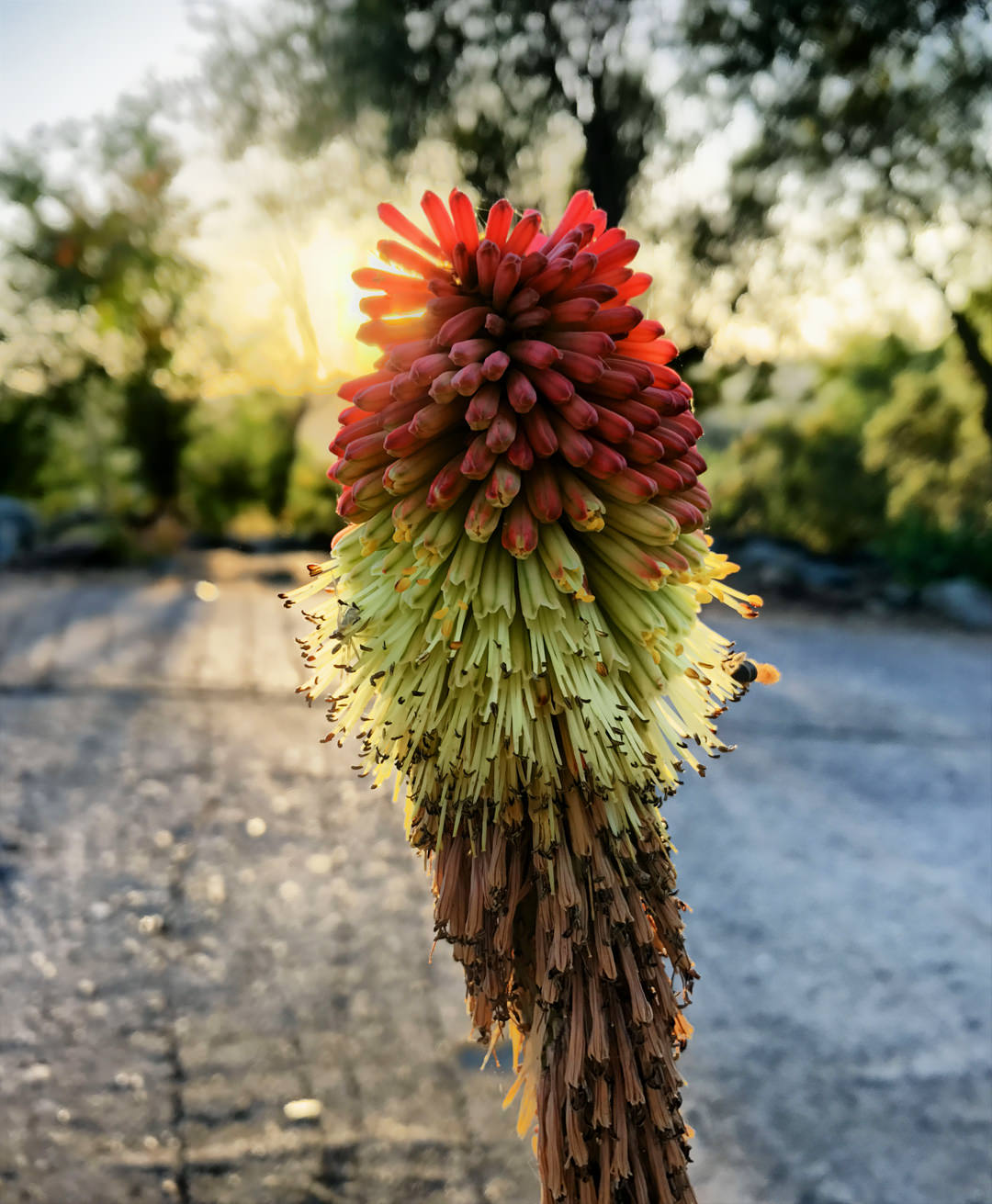 HDR (ProCamera)
HDR Improvements
Again, our technology partner Ittiam Systems managed to enhance the quality of HDR photosin ProCamera. Together, we also refined the way the LDR auto-images (“reference photos”) are captured along with the HDR photo.
The reference photo shows the exact same framing as your final HDR photo, but it is not part of the HDR exposure series. In regards to colors and brightness, the reference photo conforms with the viewfinder preview.
Rapid Fire Acceleration
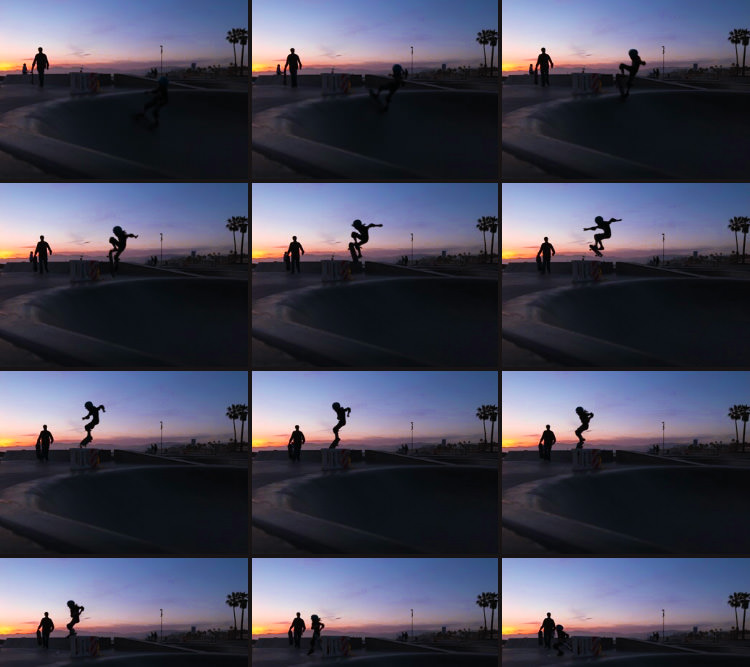
When Rapid Fire mode is active, you can now take photos in even quicker succession. In some situations, it’s not easy to tap the shutter button at just the right moment. This is when you might consider “shooting in rapid fire mode”. This may sound hostile, but rest assured, it is a very peaceful feature: As long as you press the shutter button, the camera quickly takes photos one after another. Rapid Fire mode is activated in the Control Panel (three line icon bottom right) and it increases your chances to capture the decisive moment.
Tip: In case you only want to keep the best photo of a rapid fire series, you can quickly delete the unneeded files in the Camera Roll via swipe to select. To do that, tap the multi-select icon at the top right (next to the camera icon) and then swipe over the files you want to select.
New Settings Design
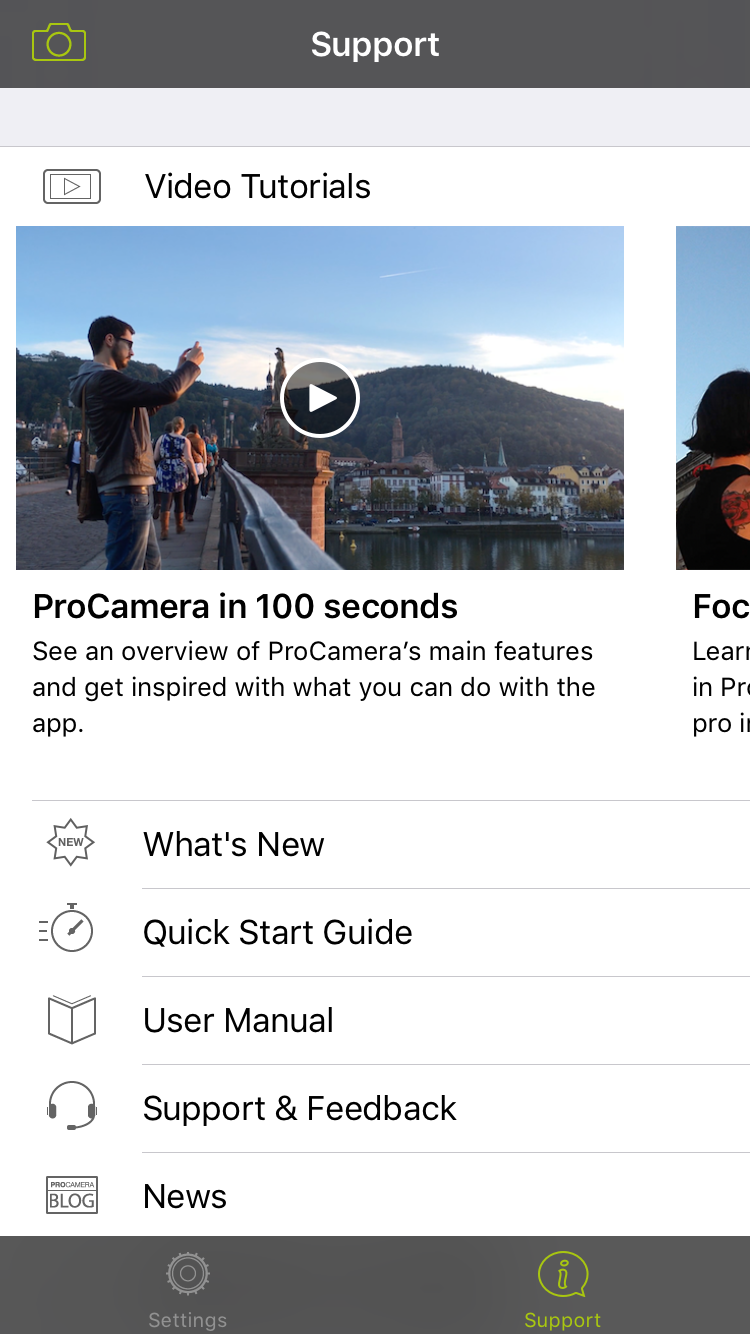
The Settings now sport a new and streamlined design – including a dedicated Support area.
To enter the new Support area, tap the corresponding tab at the bottom of your screen. There, you can find lots of helpful material, like tutorial videos, Quick Start Guide, Manual,… In case you have questions or suggestions regarding ProCamera, you can also contact our super friendly Support Team from here.
More specific setting options are now collated in the “Advanced Settings” entry. It replaces the old “More” button, which was often overlooked.
Overall Improvements
Our developers worked extra hard on optimizing and polishing the app. ProCamera now runs faster, smoother, and more stable than ever.
They were even able to increase the JPEG quality some more. Okay… it’s only visible in higher magnifications, but we love every pixel of a photo!
As with all new iOS releases and updates, if you have any suggestions or find a bug, then please let us know via the in-app support or email us at [email protected].
If you’d like to support our development, please help spread the word. Consider leaving a review in the App Store: https://review.procamera-app.com
Since we lose all previous App Store ratings once we release an update, every single new or refreshed review is much appreciated.